




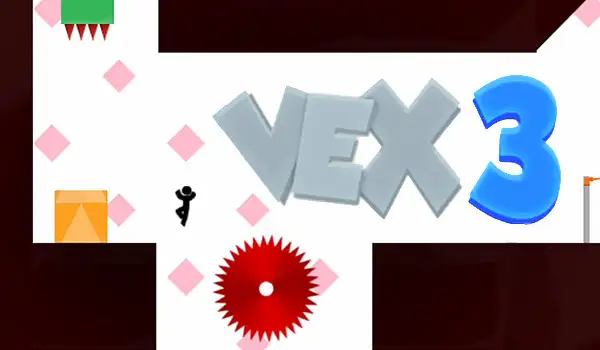
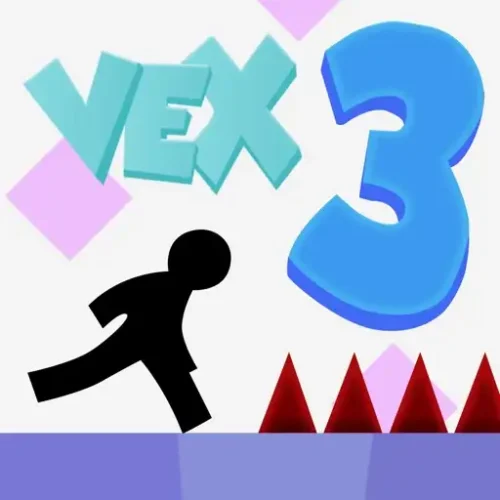






Vex 3 is a fast, unforgiving stickman parkour platformer where one mistimed jump means instant death and you’ll be back at the last checkpoint trying again in seconds. Originally released in 2014 by indie developer Amazing Adam, it’s the third entry in the Vex series and still one of the most played stickman platformers in browsers today. No downloads, no account. Works in Chrome, Firefox, Chromebooks, and on mobile.
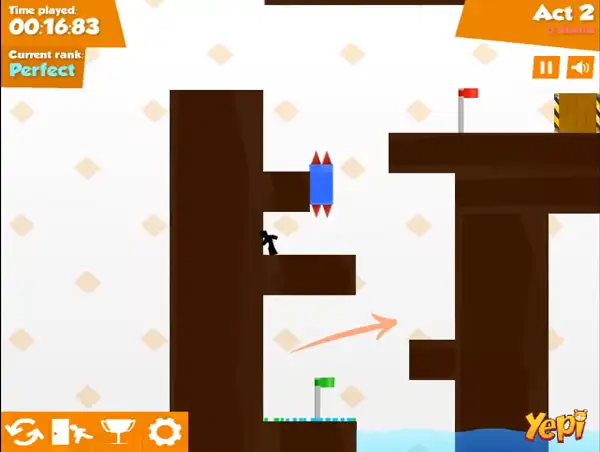
Vex 3 is a free, browser-based platformer starring a nimble stickman who runs, jumps, slides, climbs, and swims his way through a gauntlet of deadly traps. It was originally created by indie developer Amazing Adam and released in August 2014 as a Flash game, following the success of Vex and Vex 2. When Flash support ended in 2020, the game was rebuilt in HTML5, and Vex 3 eventually joined the Azerion (GameDistribution) portfolio — the same publisher that has produced every Vex game since Vex 4.
What makes Vex 3 stand out from other stickman platformers is how punishing and precise it is. There’s no health bar and no partial credit — touch a spike, get caught by a buzzsaw, or mistime a jump over a pit, and your run ends instantly. The whole game is built around trial-and-error: you’ll die constantly at first, but each death teaches you the exact timing a section needs, and the game’s frequent checkpoints mean you’re never set back very far.
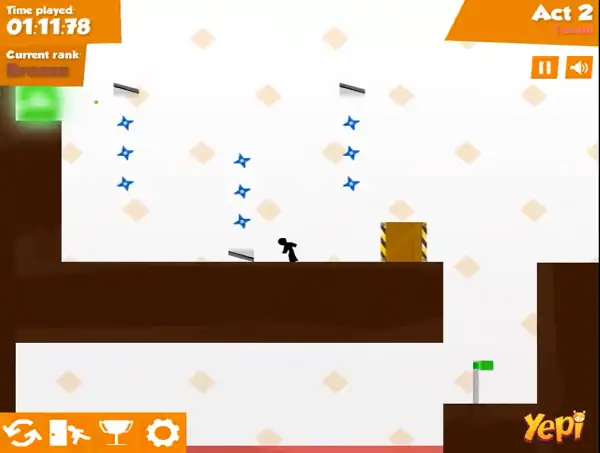
How to Play Vex 3 Unblocked
- Move your stickman: Use the Arrow Keys or WASD to run left and right.
- Jump: Press Up or W to jump — you can also jump off walls to reach platforms that a straight jump can’t.
- Slide or crouch: Press Down or S to slide underneath low obstacles like spinning blades, or to crouch through tight gaps.
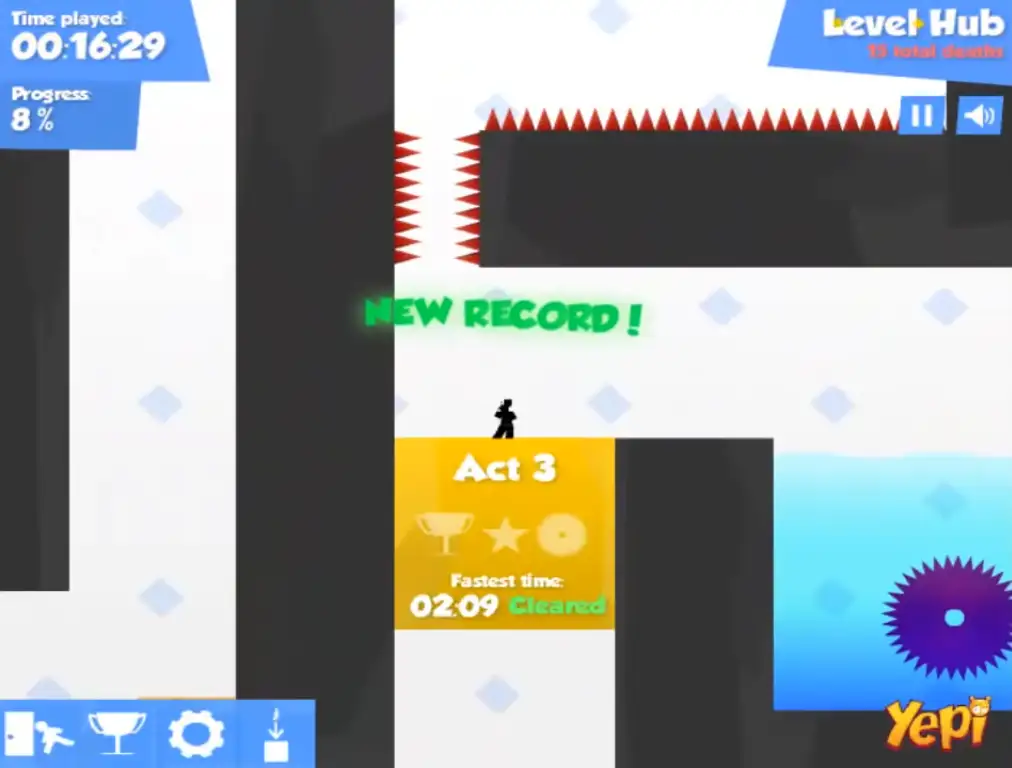
- Enter an Act: On the level select hub, walk up to an Act block and press Down or S to enter it.
- Learn the trap patterns: Most obstacles move in predictable, repeating patterns. Watch a trap once before committing to a run past it — reacting blindly gets you killed far more often than patience does.
- Hit the checkpoints: Flags scattered through each level save your progress. If you die, you respawn at the last checkpoint you touched instead of the start of the Act.
- Reach the portal. Every level ends with a portal — get your stickman there in one piece to complete the Act and unlock the next one.
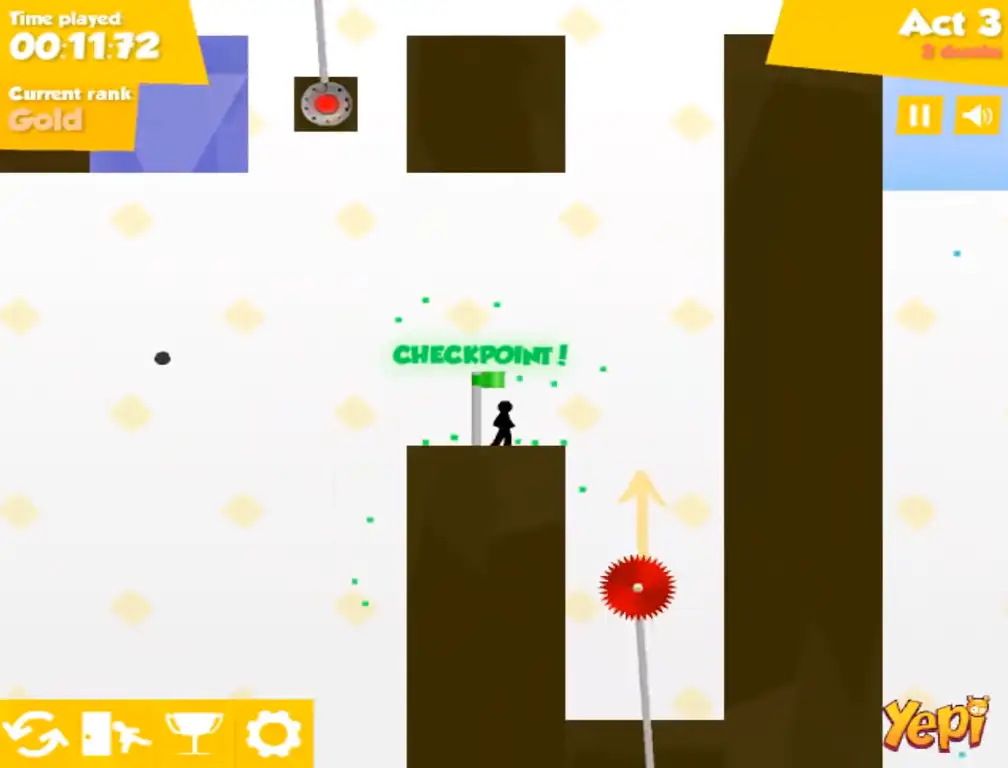
Controls
| Action | Keyboard |
|---|---|
| Move Left / Right | Arrow Keys or A / D |
| Jump / Climb | Up Arrow or W |
| Slide / Crouch / Break Glass | Down Arrow or S |
| Enter an Act (on the hub) | Down Arrow or S |
On mobile and tablets, on-screen touch controls handle movement, jumping, and sliding. Keep in mind that precise platforming is naturally harder with touch controls than a keyboard, since Vex 3’s timing windows can be tight — most players find runs go noticeably smoother on a PC.
Acts and Vexation
Vex 3 is split into 9 Acts, plus a bonus final challenge called Vexation — widely considered the hardest content in the entire game. Each Act must be unlocked in order by completing the one before it, and each one introduces new hazards and combinations rather than just reusing the last level’s tricks.
Every standard Act also has a Hard Mode version, which unlocks once you complete that Act with a Perfect or Gold rating. Hard Mode versions of each level pack in more dangerous obstacle placements than the normal run — Act 9’s Hard Mode in particular has a reputation as the single toughest stretch of platforming in the whole game.
Obstacles and Objects
Part of what keeps Vex 3 challenging is the sheer variety of hazards and interactive objects packed into its levels:
- Spikes – Some are static, but certain spikes only pop out and activate once your stickman gets close, punishing players who rush blindly.
- Buzzsaws – Spinning blades that move along set paths. Timing is everything — slide underneath or jump over depending on their position.
- Poles with rope – Grab on to swing and move through the air, useful for crossing gaps a normal jump can’t clear.
- Cannons – Step in and press Up or W to get launched in a set direction — a fast but risky way to cover distance.
- Red keys – Collect these to unlock doors, but be quick: red keys reset and return to their original spot if you don’t use them within about 5 seconds.
- Glass blocks – Stand on one and press Down or S, and the glass shatters beneath you — useful for reaching a lower area, but you’d better be ready for the drop.
- Speed blocks – Touching one launches you forward at increased speed in that direction, often used to clear gaps that would otherwise be impossible.
- Electric blocks – Generate a moving spark that travels around the block. The spark’s path needs to be learned and timed around, not rushed through.
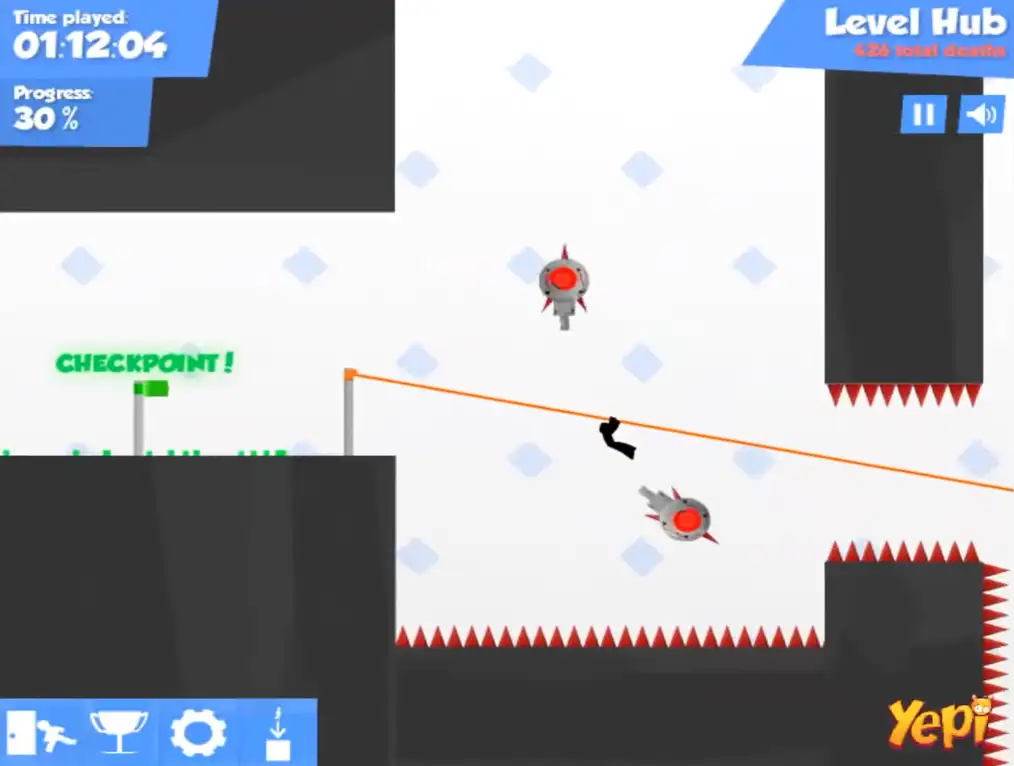
What Changed From Vex 2
If you’ve played the earlier games in the series, a few things are different in Vex 3:
- Only one star per Act instead of the multiple collectible stars found in Vex 2.
- A larger level hub to navigate between Acts.
- A trimmed-down level editor — you can still build and adjust your own levels, but rotation of objects and some of Vex 2’s editor features were removed.
- Refined movement — climbing, sliding, and general platforming feel tighter and more responsive than in the previous games, even though the difficulty went up.
Tips and Tricks
- Watch before you commit. Most traps move in repeating patterns. Take a second to observe a new hazard before attempting to pass it — reckless first attempts are where most deaths happen.
- Use checkpoints to your advantage. Since dying only sends you back to your last checkpoint, don’t be afraid to experiment with risky routes — the cost of failure is usually just a few seconds.
- Slide early, not late. When ducking under a moving blade or obstacle, starting your slide slightly before you think you need to is usually safer than trying to time it at the last possible moment.
- Grab red keys immediately. Since they reset after about 5 seconds, plan your route so you’re already moving toward the door the key unlocks the moment you pick it up.
- Don’t rush for Perfect/Gold on your first attempt. Focus on completing an Act cleanly first — once you understand the full layout, going back for a faster or cleaner run to unlock Hard Mode becomes much easier.
- Take breaks on hard sections. Vex 3 is deliberately punishing, and frustration leads to worse timing, not better. A short break often solves a section faster than ten frustrated attempts in a row.
- Save Vexation and Hard Mode for last. They’re intentionally the most difficult content in the game — build up your reflexes and pattern-recognition on the standard Acts first.
Other Similar Games
Frequently Asked Questions
What is Vex 3?
Vex 3 is a free, browser-based stickman platformer where you run, jump, slide, and climb through trap-filled levels called Acts, trying to reach the end portal without dying. It’s the third game in the Vex series, originally released in 2014.
Who made Vex 3?
Vex 3 was originally created by indie developer Amazing Adam and released in 2014. After Flash support ended, the game was rebuilt in HTML5 and became part of the Azerion (GameDistribution) portfolio, the same publisher behind Vex 4 and all later games in the series.
How many levels does Vex 3 have?
Vex 3 has 9 standard Acts, plus a bonus challenge stage called Vexation that’s widely considered the hardest level in the game. Each Act also has a Hard Mode version that unlocks once you complete it with a Perfect or Gold rating.
What are the controls for Vex 3?
Use Arrow Keys or WASD to move, Up or W to jump, and Down or S to slide, crouch, or interact with certain objects. On the level hub, press Down or S while standing on an Act to enter it.
Do checkpoints save my progress?
Yes. Each Act has checkpoint flags scattered through it. If you die, you respawn at the last checkpoint you touched instead of restarting the whole level from scratch.
What is Hard Mode in Vex 3?
Hard Mode is a tougher version of each standard Act, unlocked after completing that Act with a Perfect or Gold rating. Hard Mode levels include more dangerous obstacle placements than the normal version of the same Act.
Can I make my own levels in Vex 3?
Yes, Vex 3 includes a level editor, though it has fewer features than the one in Vex 2 — for example, you can no longer rotate every object, and some editor functions were simplified.
Is Vex 3 harder than Vex 2?
Generally, yes. While Vex 3 refined the core movement to feel smoother, it also increased the difficulty and complexity of its traps compared to Vex 2, and reduced the number of collectible stars per Act from multiple down to just one.
Which browser works best for Vex 3?
Vex 3 runs well on Chrome, Firefox, Safari, and Edge since it’s now built in HTML5 rather than the original Flash format.
Can I play Vex 3 on a Chromebook or phone?
Yes. Vex 3 works in any modern browser, including on Chromebooks, and supports touch controls on mobile devices, though precise platforming is generally easier with a keyboard.
Why isn’t Vex 3 loading?
Check your internet connection, make sure this site isn’t blocked on your network, and try disabling any ad blockers – these are the most common causes of loading issues.
PlatformSkill Games