





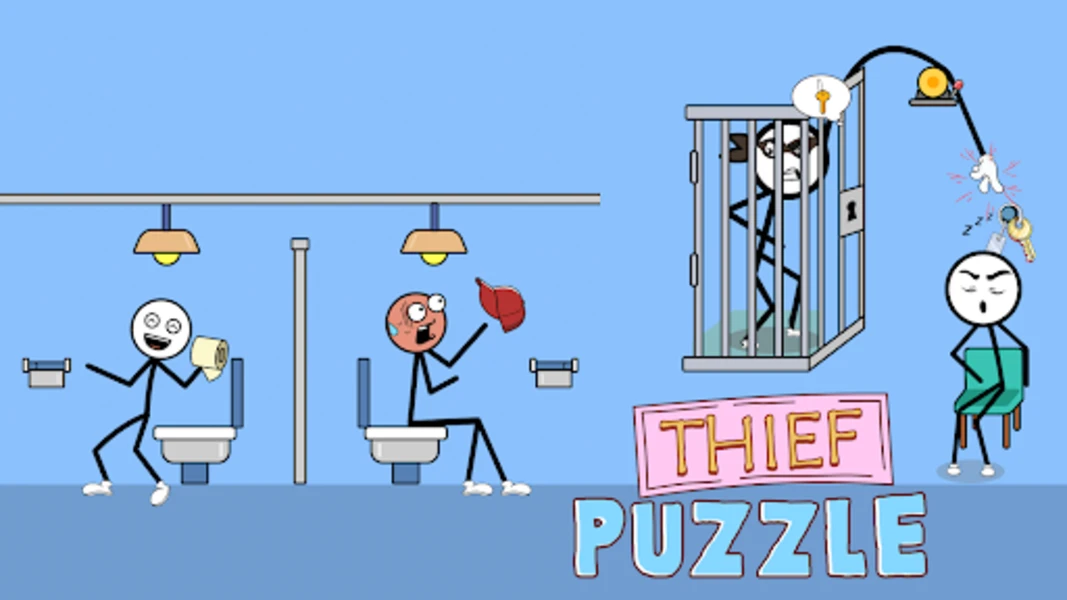






Play Thief Puzzle free. Guide the thief’s hand past lasers, guards, and traps to steal the treasure in each clever level. Thief Puzzle puts you in control of a thief’s stretchy, wandering hand as it snakes through traps, lasers, and unsuspecting victims to snatch whatever treasure the level demands. One careless move alerts a guard, wakes a sleeping dog, or trips a laser grid, and the heist is over. No downloads, no account required to start. Works in Chrome, Firefox, Edge, and on mobile.
What Is Thief Puzzle?
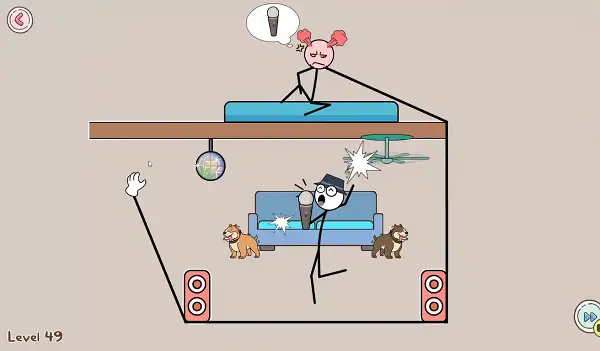
Thief Puzzle is a free, browser-based 2D puzzle logic game developed by Famobi, released in September 2024. You control a sneaky thief’s hand as it reaches toward valuable treasures scattered across comical, everyday settings, but the direct path is never the safe one – complex traps, laser security systems, guard dogs, and all kinds of tricky obstacles stand between your hand and the prize.
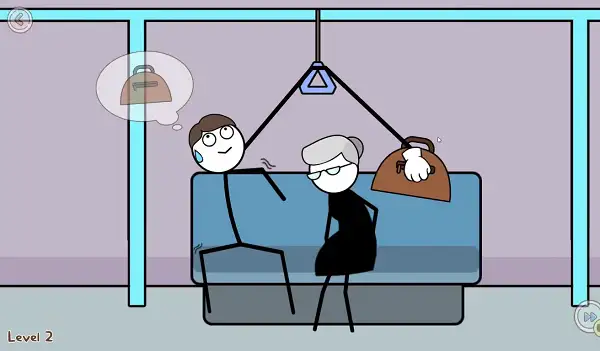
The premise stays lighthearted throughout: you’re not orchestrating an elaborate crime drama, you’re pulling off a string of funny, low-stakes heists – swiping a purse, lifting test answers, or sneaking a diamond ring off someone’s finger mid-kiss. Each level is its own small puzzle, and the appeal comes from figuring out the exact path, angle, and timing needed to grab the target without tripping a single trap along the way.
How to Play Thief Puzzle
- Study the level before moving. Every level presents a clear target and a path full of obstacles – take a moment to trace a safe route in your head before committing to a move.
- Click and hold to guide the thief’s hand. The hand follows your cursor smoothly, stretching and curving as you move it toward the target.
- Watch for moving hazards. Guard dogs, swinging pendulums, patrolling guards, and other obstacles often move in predictable patterns – observe them for a moment before making your approach.
- Time your approach around gaps in the danger. Rather than rushing straight at the target, wait for a moving hazard to clear your path before extending your hand through.
- Grab the item. Once your hand reaches the treasure, it locks on – that’s your cue to begin retracting.
- Retract along a safe path. Getting the item is only half the job – pulling your hand back out without triggering anything is just as important as the approach.
- Complete the heist and move on to the next level, where new settings and new obstacle combinations await.
Controls
| Action | Input |
|---|---|
| Guide the thief’s hand | Click and hold the Left Mouse Button, then move |
That’s the entire control scheme – a single click-and-drag motion is all it takes, which keeps the game approachable while the level design does all the work of making it genuinely challenging. On mobile and tablets, the same motion works with a touch-and-drag gesture.
What the Levels Are Like
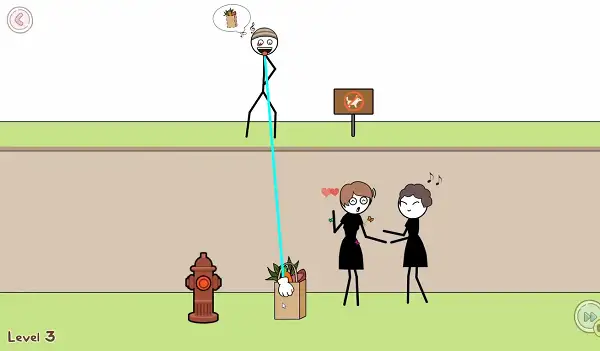
Thief Puzzle’s levels lean into comedy as much as they do logic. Early stages ease you in with simple, low-risk heists – snatching a purse from an old woman seated on a bench, or grabbing groceries from a couple of unsuspecting women standing on a ledge. From there, the settings and objectives get more inventive:
- Swiping a tourist’s suitcase while they’re distracted admiring the Eiffel Tower
- Outwitting a rival thief to steal a money bag inside a museum
- Lifting a pearl straight out of a shell on the beach
- Pickpocketing a key to slip past a restricted area
- Swiping a diamond ring off a newly engaged couple’s finger while they’re lost in a kiss
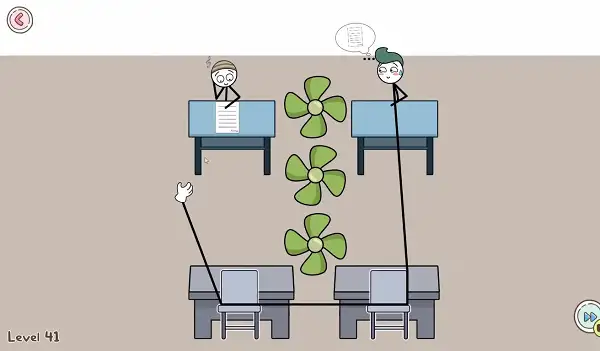
- Lifting test answers from a classmate’s desk without getting caught by whirling fans overhead
- Outsmarting guard dogs to steal a set of car keys, then driving off with precision
- Avoiding TNT explosions entirely while making your move
- Snatching a toupee clean off a party guest’s head, just for laughs
Every setting brings its own specific obstacle logic, so what worked on the last level rarely transfers directly to the next one – you’re constantly re-reading the scene and adapting your plan.
Traps and Obstacles
As you progress, Thief Puzzle layers in a wider variety of hazards designed to test both your spatial reasoning and your patience:
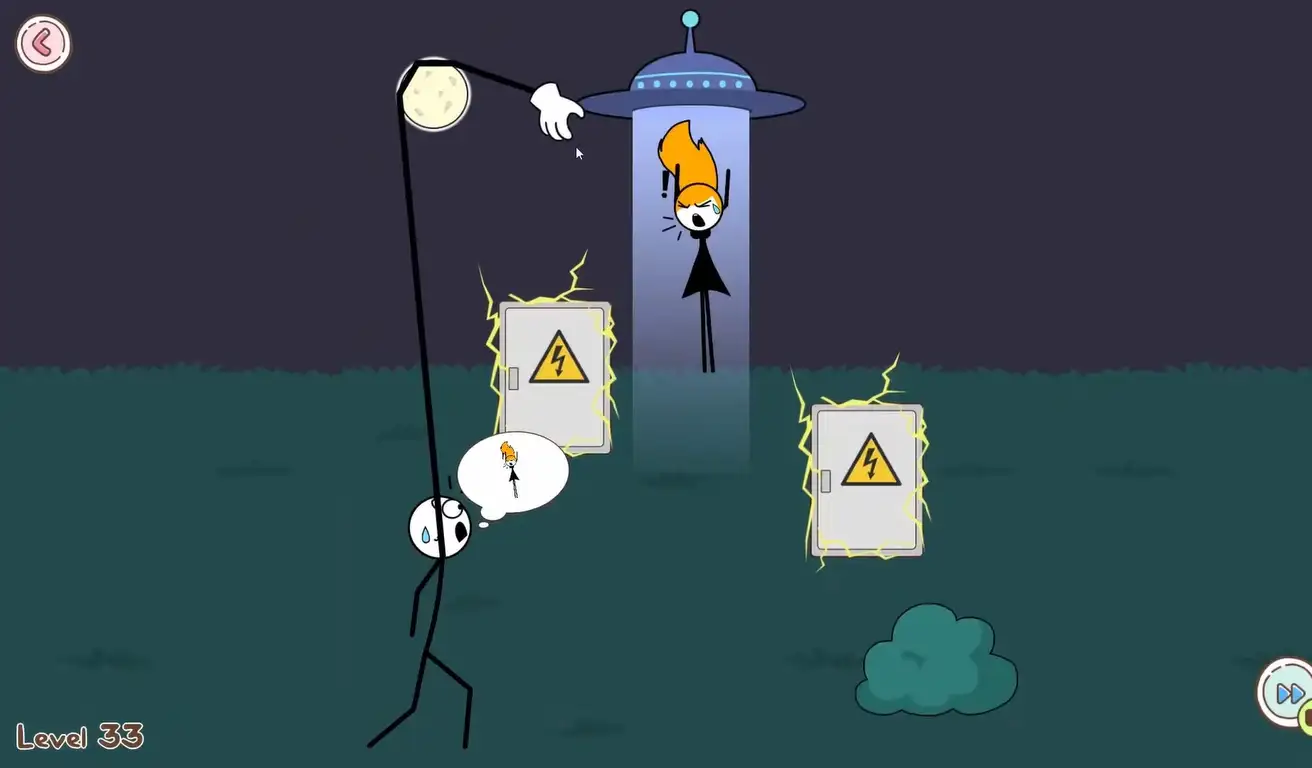
- Laser security systems – Fixed or sweeping beams that end the heist instantly on contact.
- Guard dogs and patrolling guards – Living obstacles that react to your movement and need to be timed around rather than simply avoided in a fixed spot.
- Moving hazards – Pendulums, rotating fans, and similar obstacles that move on a predictable cycle, rewarding patience and observation over rushed movement.
- Explosives – TNT and similar traps that punish careless or overly direct paths.
- Rival characters – In some levels, you’re not just avoiding detection, you’re outmaneuvering another thief going for the same prize.
Calculating the right angle and finding the shortest safe path becomes increasingly important as these hazards start to overlap within a single level.
Tips and Tricks
- Map your route before you move. Take a moment to trace a safe path in your head first, looking for anchor points you can pivot or curve your hand around, rather than reacting on instinct the moment the level loads.
- Use the edges and ceiling to your advantage. Routing your hand along the top or sides of a scene often avoids ground-level hazards entirely, especially in levels with dogs or patrolling guards.
- Let moving hazards pass rather than racing them. Pendulums, guards, and dogs typically move in a repeating pattern – watching one full cycle before committing to your route is almost always worth the extra second.
- Extend past an obstacle, then curve back behind it. Rather than trying to thread a straight line past a hazard, stretching slightly beyond it and hooking your path back around often opens up a safer angle.
- Keep your retraction path just as clean as your approach. Grabbing the item isn’t the end of the challenge – plan your route back out with the same care you used getting in, since a sloppy retreat can undo a perfect approach.
- Slow down on levels with multiple hazard types. Once lasers, guards, and moving obstacles start appearing in the same level, resist the urge to rush – identifying which hazard poses the most immediate risk should guide your priority.
- Replay a failed level immediately while it’s fresh. Since you’ll have just watched exactly how and where you got caught, going right back in while you remember the hazard timing is more effective than coming back to it later.
Other Similar Games
Frequently Asked Questions
What is Thief Puzzle?
Thief Puzzle is a free, browser-based 2D puzzle logic game where you guide a thief’s stretchy hand through traps, lasers, and obstacles to steal a target item in each level, developed by Famobi and released in September 2024.
What are the controls?
Click and hold the Left Mouse Button, then move your mouse to guide the thief’s hand toward the target. On mobile, the same motion works with a touch-and-drag gesture.
Is Thief Puzzle appropriate for kids?
Yes. According to its official age rating, Thief Puzzle is suitable for ages four and older, with lighthearted, comedic content and no sensitive subject matter.
Who made Thief Puzzle?
Thief Puzzle was developed by Famobi and released in September 2024.
What kinds of obstacles are in the game?
Levels feature laser security systems, guard dogs, patrolling guards, moving hazards like pendulums and fans, explosives, and even rival thieves competing for the same treasure.
Is Thief Puzzle free to play?
Yes, Thief Puzzle can be played entirely free in the browser with no downloads or account required.
How do I know when I’ve grabbed the item?
Once your hand reaches the target treasure, it locks onto it, signaling that it’s safe to begin retracting back out of the level.
Do I need to worry about the path back, or just reaching the item?
Both. Retracting your hand safely after grabbing the treasure is just as important as the approach – a hazard can still catch you on the way out if you’re not careful.
Which browser works best for Thief Puzzle?
Thief Puzzle runs well on Chrome, Firefox, and Edge.
Can I play Thief Puzzle on a phone or Chromebook?
Yes. Thief Puzzle works in any modern browser, including on Chromebooks, and uses simple touch-and-drag controls on mobile devices. It’s also available through the CrazyGames app on iOS and Android.
Why isn’t Thief Puzzle loading?
Check your internet connection, make sure this site isn’t blocked on your network, and try disabling any ad blockers – these are the most common causes of loading issues.
Puzzle