




Play Rocket League 2D Unblocked free. Simple 2-player car soccer — accelerate, turn, and score in a fast 2-minute match. No download needed. Rocket League 2D takes the car-soccer idea everyone knows and reduces it to its purest form: two cars, one ball, one small pitch, and two minutes on the clock. There’s no boosting, no flying, no fuel to manage – just accelerating, braking, and turning your way into position to knock the ball past your opponent. No downloads, no account. Works in Chrome, Firefox, Edge, and on mobile.
What Is Rocket League 2D?
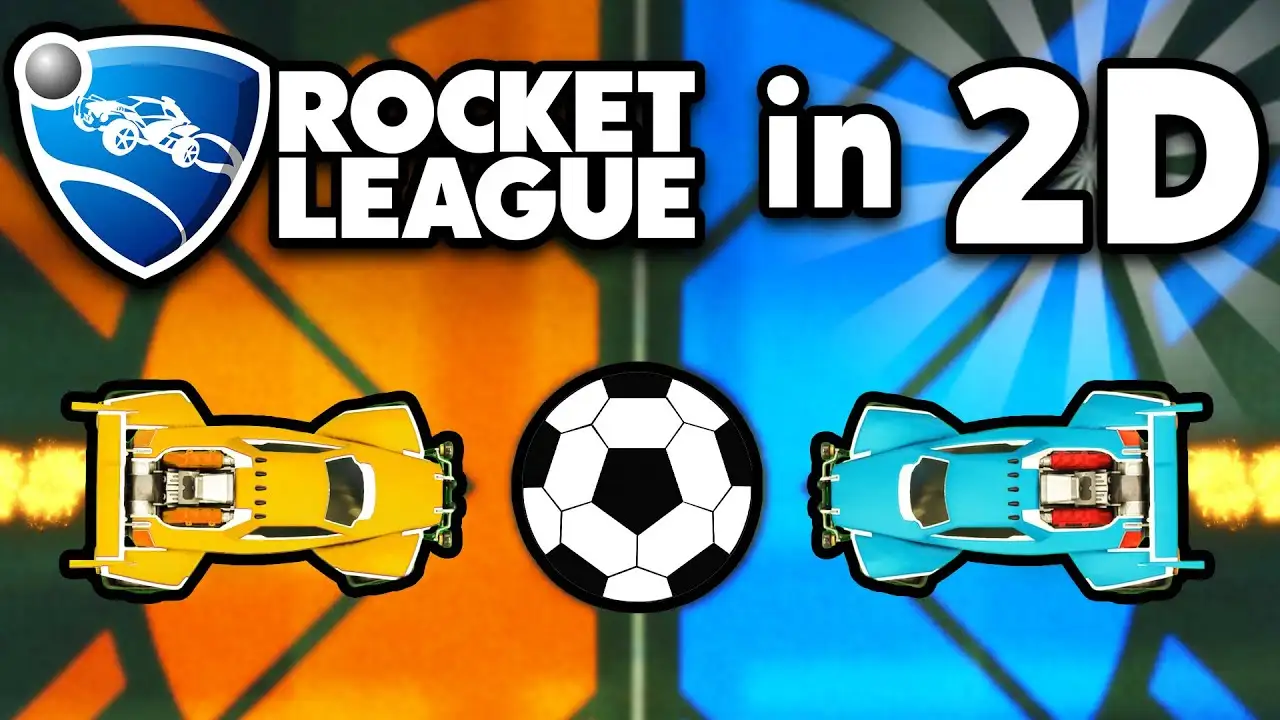
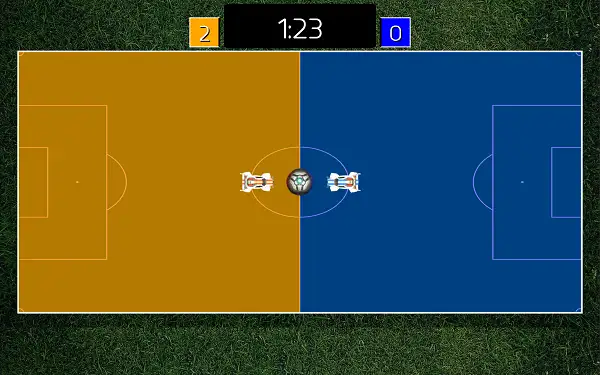
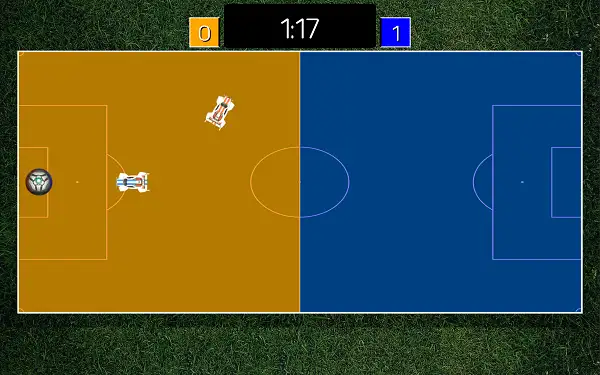
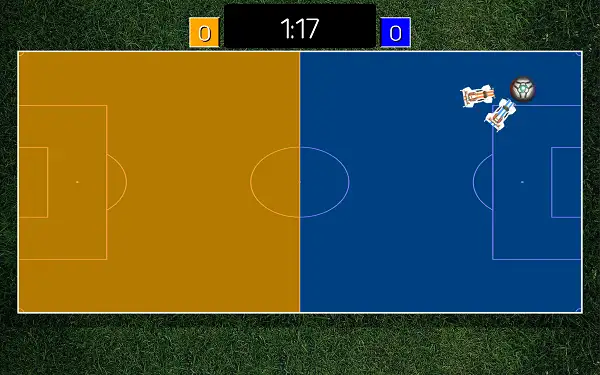
Rocket League 2D is a free, browser-based car-soccer game that strips the concept down to its simplest form. Instead of full 3D arenas, boost mechanics, and aerial hits, this version keeps things deliberately minimal: two cars on a flat side-view pitch, basic driving controls, and a two-minute match to see who can knock the ball into the opposing goal more times.
That simplicity is really the whole appeal. There’s no learning curve to worry about and nothing to unlock or manage – you press Start Match and you’re straight into a fast, local two-player duel decided entirely by positioning, timing, and reading where the ball is about to bounce.
How to Play Rocket League 2D
- Press Start Match to begin. The game immediately drops both cars onto the pitch with the ball at center.
- Drive toward the ball. Accelerate to build up speed and close the distance.
- Use your turns to line up an angle. Approaching the ball straight-on sends it in a predictable direction – turning slightly before contact lets you redirect it toward the goal.
- Brake or reverse to reposition. Since there’s no boost to quickly close distance, backing up and repositioning is often more effective than trying to force your way past your opponent.
- Watch the two-minute clock. You’ll get an audio warning as time starts running low, so keep an eye on the score and adjust your approach – play safer if you’re ahead, more aggressively if you’re behind.
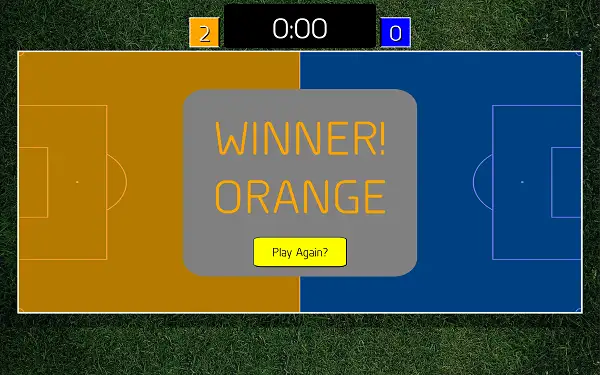
- Score more goals than your opponent before the final whistle. Whoever’s ahead when the timer hits zero wins the match.
Controls
| Action | Orange Car | Blue Car |
|---|---|---|
| Accelerate | W | Up Arrow |
| Brake / Reverse | S | Down Arrow |
| Turn Left | A | Left Arrow |
| Turn Right | D | Right Arrow |
That’s the complete control scheme – no boost, no jump, no extra buttons to learn. It’s built entirely around two players sharing a single keyboard, with the Orange car on WASD and the Blue car on the Arrow Keys.
Match Length and Scoring
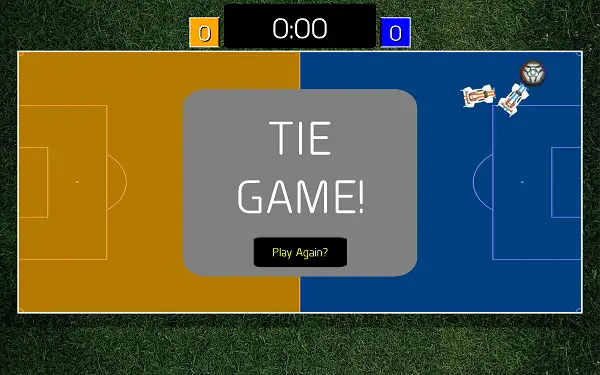
Each match runs on a two-minute timer, with an audio cue letting you know when time is starting to run out. There’s no overtime or sudden-death period beyond the standard clock – whichever car has scored more goals when the timer reaches zero wins the match. Once a match ends, you can jump straight into another one with the Play Again option.
Tips and Tricks
- Don’t drive straight at the ball every time. Since there’s no boost to overpower your opponent, approaching at an angle lets you redirect the ball toward the goal instead of just knocking it forward in a straight, predictable line.
- Use reverse to reset your position. If you overshoot the ball or end up facing the wrong way, braking and reversing quickly is usually faster than trying to turn a full circle back into position.
- Stay between the ball and your own goal when you’re not attacking. Since one car can’t be in two places at once, drifting too far forward after a missed hit is one of the easiest ways to concede.
- Anticipate the bounce, don’t just chase the ball. The ball’s movement is fairly consistent – watching where it’s headed and moving to meet it there beats constantly chasing wherever it currently is.
- Play more conservatively once you’re ahead. With no boost or comeback mechanic built into the game, protecting a lead in the final moments of the two-minute clock is often smarter than continuing to push for more goals.
- Practice your turning radius. Since precise turning is the only way to control your angle of approach, spending a little time getting a feel for how sharply your car turns pays off in tighter, more accurate hits later.
Other Similar Games
Frequently Asked Questions
What is Rocket League 2D?
Rocket League 2D is a free, browser-based car-soccer game where two players each control a car on a simple side-view pitch, trying to score more goals than their opponent within a two-minute match.
What are the controls?
The Orange car uses W to accelerate, S to brake/reverse, A to turn left, and D to turn right. The Blue car uses the Up Arrow, Down Arrow, Left Arrow, and Right Arrow for the same actions.
Is there a boost or jump button?
No. This version of the game is deliberately simple – there’s no boost, jump, or fuel management. It’s just accelerating, braking, and turning.
How long does a match last?
Each match runs on a two-minute timer, with an audio warning as time starts to run out. Whoever has scored more goals when the timer ends wins.
Can I play against the computer?
This version is built around local two-player matches on the same keyboard rather than a single-player mode against AI.
Is this the same as the official Rocket League?
No. This is a simplified, fan-made 2D browser take on the car-soccer concept, not an official release from Rocket League’s developer, Psyonix.
Can I customize my car?
No, this version doesn’t include car customization – it’s focused purely on quick, simple matches.
Which browser works best for Rocket League 2D?
Rocket League 2D runs well on Chrome, Firefox, and Edge.
Can I play Rocket League 2D on a Chromebook or phone?
Since it’s built around two players sharing one keyboard, it works best on a desktop or laptop. Touch support may vary on mobile devices.
Why isn’t Rocket League 2D loading?
Check your internet connection, make sure this site isn’t blocked on your network, and try disabling any ad blockers – these are the most common causes of loading issues.
2 Player GamesArcadeCar GamesPopular gamesSingle Player GamesSports