

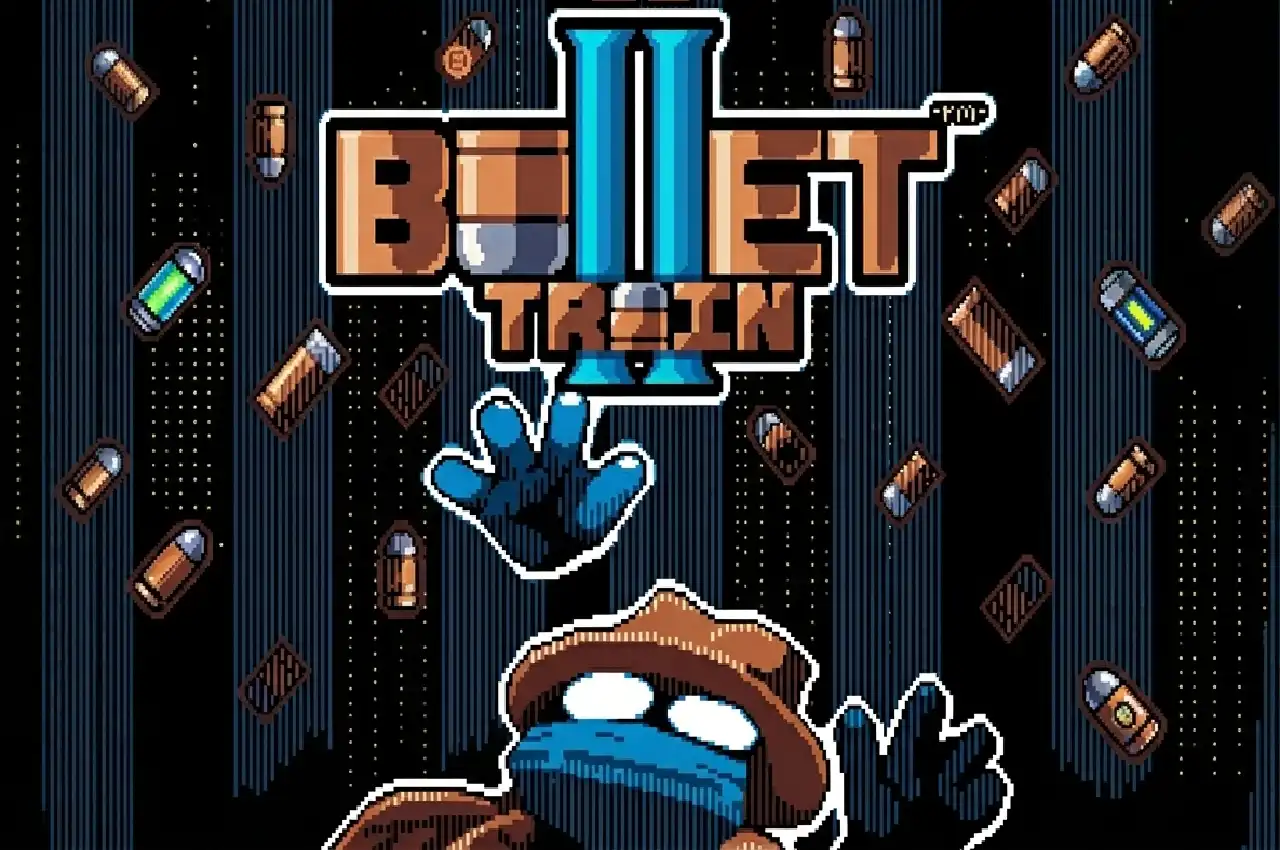




You’re a space cowboy in the middle of an interstellar heist. Move left and right, flip between floor and ceiling to dodge curtains of projectiles, and shoot down waves of robots until the boss drops.
Bullet Train II is a 2D bullet hell shoot ’em up developed by RipeMangoez (with co-development by gherwit), originally built on the Scratch engine and later ported to HTML5. The soundtrack is an original score by SquiggyGames, available in full on Bandcamp. It carries a 4.9 out of 5 rating on itch.io. Free to play in browser — no download required.
| Feature | Details |
|---|---|
| Developer | RipeMangoez (with gherwit) |
| Music | SquiggyGames — original soundtrack (full OST on Bandcamp) |
| Original Engine | Scratch (ported to HTML5) |
| Genre | 2D Bullet Hell, Shoot ‘Em Up — Singleplayer |
| Setting | Sci-fi space western — interstellar heist |
| Rating | 4.9 / 5 on itch.io |
| Platform | Browser (HTML5) — free, no download |
Contents
Controls
| Action | Input |
|---|---|
| Move left / right | A / D |
| Switch gravity (floor ↔ ceiling) | W / S |
| Dash | Spacebar |
| Aim and shoot | Mouse |
| Skip dialogue text | Z |
These are taken directly from the official itch.io page. Movement is A/D only — there is no up or down movement in the traditional sense. W and S flip gravity entirely, snapping you from floor to ceiling or back. Aiming and shooting are continuous mouse operations — you hold the cursor toward enemies and fire constantly. Spacebar is not a sprint or jump; it is a dedicated evasive dash that should be treated as a limited emergency tool rather than a primary movement option.
Core Mechanics
▸ Gravity switching
The gravity switch is the most important mechanic in the game. Pressing W flips you to the ceiling; pressing S brings you back to the floor. This is not just a movement option — most enemy attack patterns in the game are designed to sweep the floor. The ceiling is a survival tool, and switching mid-jump extends your options beyond simple side-to-side movement. The key habit to develop is reading which plane an attack will sweep and being on the other one before it arrives, not reacting after it hits.
▸ Dashing
The Spacebar dash moves you quickly in your current direction. It is small in range and its best use is escaping a tight cluster of projectiles that cannot be dodged by gravity switching or lateral movement alone. Wasting dashes on comfortable situations leaves you without options in genuinely dangerous moments — comments from itch.io players specifically note the dash feels small, which makes timing it for real emergencies the correct approach.
▸ Mouse shooting
You aim and shoot with the mouse continuously. Holding down fire toward enemies is the primary offensive tool. Positioning yourself in an enemy’s blind spot — which changes as they move — lets you maintain fire while minimizing your own exposure. Watching where an enemy is facing and moving to the opposite side while shooting is the intended technique.
▸ Checkpoints
The game has a checkpoint system that places you back in action quickly after dying. Deaths do not cost significant progress — confirmed both on the official itch.io comments and by KBHGames’ review: “dying rarely means losing massive amounts of progress, so jumping back into the fray feels immediate.” This means the game is designed to be retried frequently without frustration, which is the intended difficulty model.
Enemies and Bosses
Enemies are all robotic in theme, matching the sci-fi cowboy setting. The confirmed enemy types from the official itch.io comments page:
- Robotic frogs — agile, fast-moving enemies that specifically make use of dashing and gravity mechanics. They are highlighted in itch.io comments as the most technically demanding regular enemy. They mirror your own movement toolkit, which is what makes them feel like genuine tests of mastery.
- Crab boss — the confirmed major boss fight, with complex attack patterns that require adjusting strategy during the encounter. itch.io commenters note that the crab boss is the point where the mechanics fully click — or don’t yet, if players haven’t internalized gravity switching.
- Snails — appear after the crab boss section. One itch.io commenter noted snails would have been a better introduction to the mechanics than the crab boss, suggesting they are more predictable enemies used as palette cleansers or mechanical reinforcement.
The final boss is confirmed to be Boon, referenced in the original itch.io game description: “LAUNCH INTO THE BULLET TRAIN AND DEFEAT BOON!!!”
Tips
▸ Read the floor sweep coming and switch before it lands
Floor-sweeping attack patterns give a brief visual wind-up before the projectiles travel across the ground. Switch to the ceiling when you see the pattern starting, not when you see the bullets reaching you. Reacting to arrival is always too late at higher enemy speeds.
▸ Keep firing while repositioning
Your mouse controls both aim and fire independently from movement. You can dash, gravity switch, and move laterally while maintaining a continuous stream of shots at an enemy. Stopping fire to focus on dodging is almost never necessary — the two actions are separate enough that maintaining both is the expected playstyle.
▸ Use gravity to orbit the crab boss, not to escape it
The crab boss’ attack patterns punish staying on one plane for too long. Rather than camping the floor or ceiling, treat gravity switching as a way to cycle positions in a rhythm that keeps you out of each sweep while staying within shooting range. Players who stay on one plane waiting for a gap in the attack will get caught eventually.
▸ Press Z to skip text if replaying sections
On a fresh run or after a checkpoint reload, the dialogue text plays before encounters. Z skips through it — useful after death when you know what’s coming and want to get back into the fight immediately.