




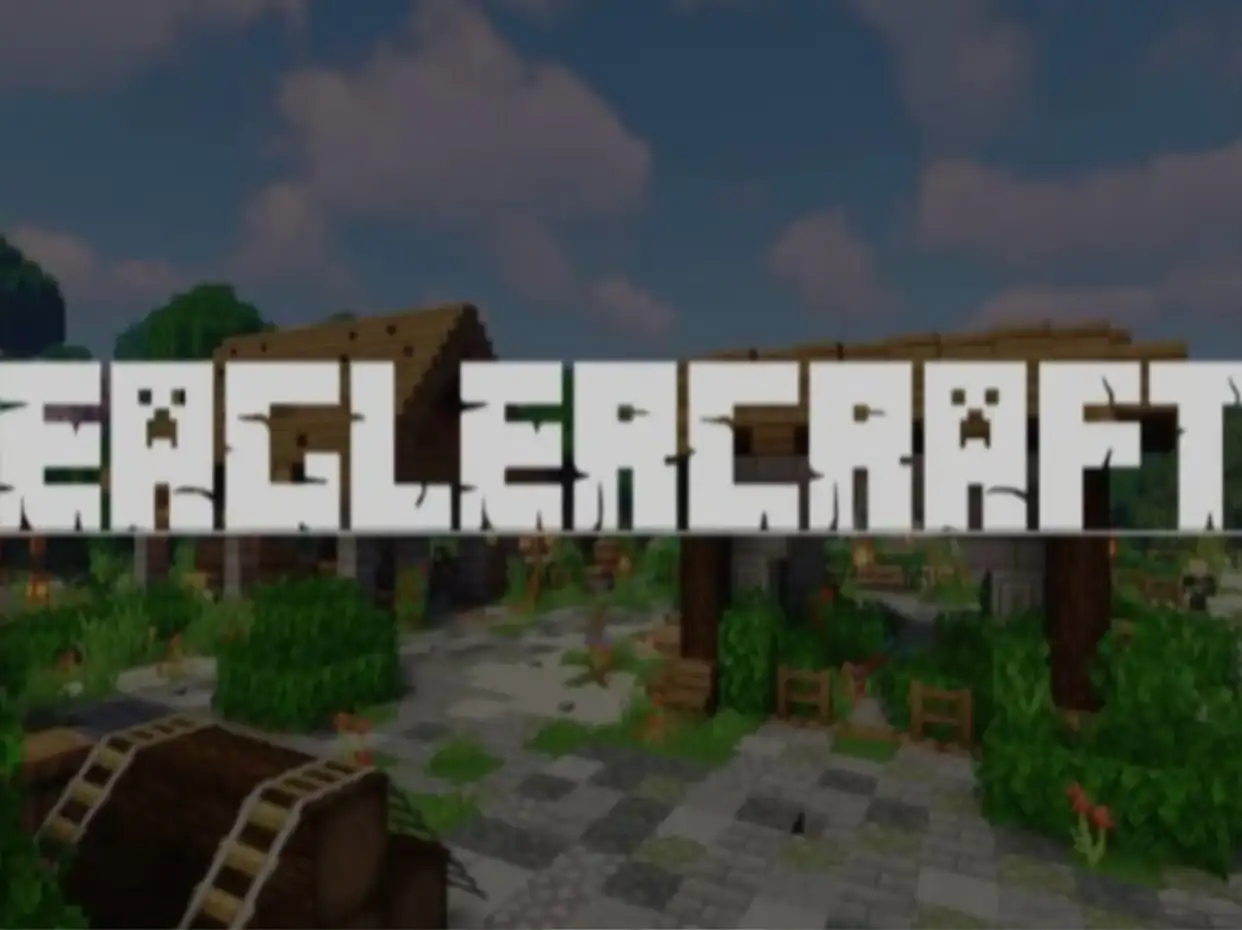








Eaglercraft Unblocked is a browser-based sandbox game inspired by Minecraft Java Edition that allows players to build, explore, survive, and play multiplayer worlds directly from a web browser. Unlike traditional Minecraft installations that require downloads and system setup, Eaglercraft runs entirely through HTML5, JavaScript, and WebAssembly technologies, making it accessible on Chromebooks, school devices, tablets, mobile phones, and nearly any device with a modern browser.
Originally developed by the Eaglercraft community and later expanded through projects such as EaglercraftX, the game became popular because it successfully recreated much of the classic Minecraft experience without requiring installation.
What Is Eaglercraft?
Eaglercraft is an open-source browser adaptation inspired by Minecraft Java Edition.
The game allows players to:
- Gather resources
- Build structures
- Explore procedurally generated worlds
- Craft tools and equipment
- Fight hostile mobs
- Play multiplayer servers
- Create private worlds
Unlike many browser sandbox games that only imitate block-building mechanics, Eaglercraft recreates much of the survival and creative gameplay that made Minecraft popular worldwide.
How Eaglercraft Works
One of the most interesting aspects of Eaglercraft is how it runs.
The project uses TeaVM technology to compile Java code into browser-compatible code. Instead of requiring a traditional Java installation, the game runs directly inside a web browser through JavaScript and WebAssembly-based systems. This allows players to experience Minecraft-style gameplay on devices that normally cannot run Java applications.
This technical achievement is one reason Eaglercraft became so popular among Chromebook users.
Who Created Eaglercraft?
Eaglercraft was originally developed by community programmers and expanded significantly by developer LAX1DUDE, whose EaglercraftX project became one of the most widely used versions.
EaglercraftX introduced major improvements including:
- Minecraft 1.8.8 support
- Multiplayer enhancements
- Browser world saving
- Voice chat systems
- Resource pack support
- Improved rendering systems
Many modern Eaglercraft servers and clients are based on EaglercraftX technology.
Eaglercraft Versions Explained
Many players are unaware that Eaglercraft exists in multiple versions.
Eaglercraft 1.5.2
This version focuses on recreating the classic Minecraft experience.
Features include:
- Survival Mode
- Creative Mode
- Multiplayer servers
- Basic world generation
Many players prefer 1.5.2 because of its simplicity and nostalgia.
EaglercraftX 1.8.8
This is currently the most popular version.
It adds:
- Improved combat mechanics
- Better multiplayer support
- Shared worlds
- Voice chat
- Resource packs
- Enhanced graphics options
Most competitive multiplayer communities use version 1.8.8.
Eaglercraft 1.12.2
Some modern browser builds provide support for Minecraft-inspired 1.12.2 gameplay and newer mechanics.
These versions attempt to bridge the gap between classic and modern Minecraft experiences.
Game Modes
Survival Mode
Survival remains the most popular way to play.
Players must:
- Gather resources
- Build shelters
- Craft equipment
- Defend against hostile mobs
- Manage health and hunger
The challenge comes from balancing exploration with survival.
Creative Mode
Creative Mode removes resource limitations.
Players receive access to blocks instantly and can focus entirely on building projects.
Large cities, castles, pixel art creations, and redstone-inspired builds are common in Creative worlds.
Multiplayer Servers
Multiplayer introduces:
- PvP combat
- Survival communities
- Minigames
- Economy servers
- Faction systems
Server communities are one of the biggest reasons players continue returning to Eaglercraft.
Controls
Movement
- W, A, S, D = Move
- Spacebar = Jump
- Shift = Sneak
- Ctrl = Sprint
Combat
- Left Click = Attack
- Right Click = Place Blocks / Use Items
Inventory
- E = Inventory
Players familiar with Minecraft will immediately recognize the control scheme.
Shared Worlds: The Feature Most Competitors Ignore
One of EaglercraftX’s most unique features is Shared Worlds.
Instead of requiring a dedicated server, players can host their own world and generate a short join code.
Friends can enter the code and connect directly through the browser.
This creates a LAN-style multiplayer experience without complicated server setup.
Many competitors barely mention this system despite it being one of Eaglercraft’s strongest features.
Browser World Saving Explained
Many players assume browser games lose progress after closing the tab.
Eaglercraft works differently.
Single-player worlds are stored in browser local storage.
This means:
- Worlds persist between sessions
- Offline play is possible
- Saves remain available after restarting the browser
Players can also import and export worlds to transfer them between devices.
Resource Packs And Customization
EaglercraftX supports resource packs similar to Minecraft Java Edition.
Players can customize:
- Textures
- Sounds
- User interfaces
- Visual effects
Resource packs are imported directly into the browser and stored locally for future use.
Voice Chat Integration
A surprisingly advanced feature included in EaglercraftX is integrated voice chat.
When enabled by server administrators, players can communicate directly without third-party applications.
This creates a more social multiplayer experience, especially during survival and PvP gameplay.
Things The Game Doesn’t Tell You
Shared Worlds Are Not Traditional Servers
Shared worlds function differently and rely on relay systems.
Browser Storage Has Limits
Very large worlds can eventually impact browser storage availability.
Resource Packs Improve The Experience Significantly
Many players never experiment with them.
Multiplayer Performance Depends On Browser Quality
Newer browsers generally provide smoother gameplay.
Keyboard And Mouse Still Offer The Best Experience
Touchscreen controls work but are less precise during combat.
Common Mistakes Beginners Make
Jumping Straight Into PvP
Experienced players dominate competitive servers.
Ignoring Resource Collection
Many new players explore too aggressively and neglect survival preparation.
Building Near Spawn
Busy servers often experience heavy competition near starting areas.
Forgetting To Save World Exports
Backups protect valuable creations.
Underestimating Nightfall
Hostile mobs become a major threat early in Survival Mode.
Advanced Eaglercraft Tips
One of the most important long-term strategies is establishing efficient resource routes.
Strong players typically prioritize:
- Iron tools
- Food production
- Secure shelter
- Mining networks
In multiplayer environments, location selection becomes equally important.
Remote bases often survive longer than highly visible structures near spawn.
Advanced players also take advantage of browser optimization settings to improve performance during large multiplayer battles.
How Eaglercraft Differs From Official Minecraft
While Eaglercraft successfully recreates much of Minecraft’s gameplay, there are important differences.
Advantages
- No installation required
- Browser accessibility
- Chromebook compatibility
- Fast startup
- Shared worlds
Limitations
- Version limitations
- Browser performance constraints
- Reduced compatibility with official Minecraft servers
- Fewer modern features than current Minecraft releases
Understanding these differences helps set realistic expectations.
Similar Games You Might Enjoy
Frequently Asked Questions
Is Eaglercraft Minecraft?
No. Eaglercraft is a separate browser-based project inspired by Minecraft Java Edition.
Can Eaglercraft be played on Chromebooks?
Yes. Browser compatibility is one of its most popular features.
Does Eaglercraft support multiplayer?
Yes. Players can join multiplayer servers and shared worlds.
Can I save my worlds?
Yes. Single-player worlds are stored in browser storage and can also be exported.
What is EaglercraftX?
EaglercraftX is an advanced version of Eaglercraft that adds Minecraft 1.8.8-inspired gameplay, multiplayer improvements, voice chat, and additional customization features.
Final Thoughts
Eaglercraft Unblocked stands out because it accomplishes something many developers thought was impossible: bringing a large-scale Minecraft-inspired sandbox experience directly into a web browser. Beyond simple block building, it offers survival gameplay, multiplayer communities, shared-world systems, resource pack customization, voice communication, and long-term world progression.
AdventurePlatformPopular gamesUnblocked Games