





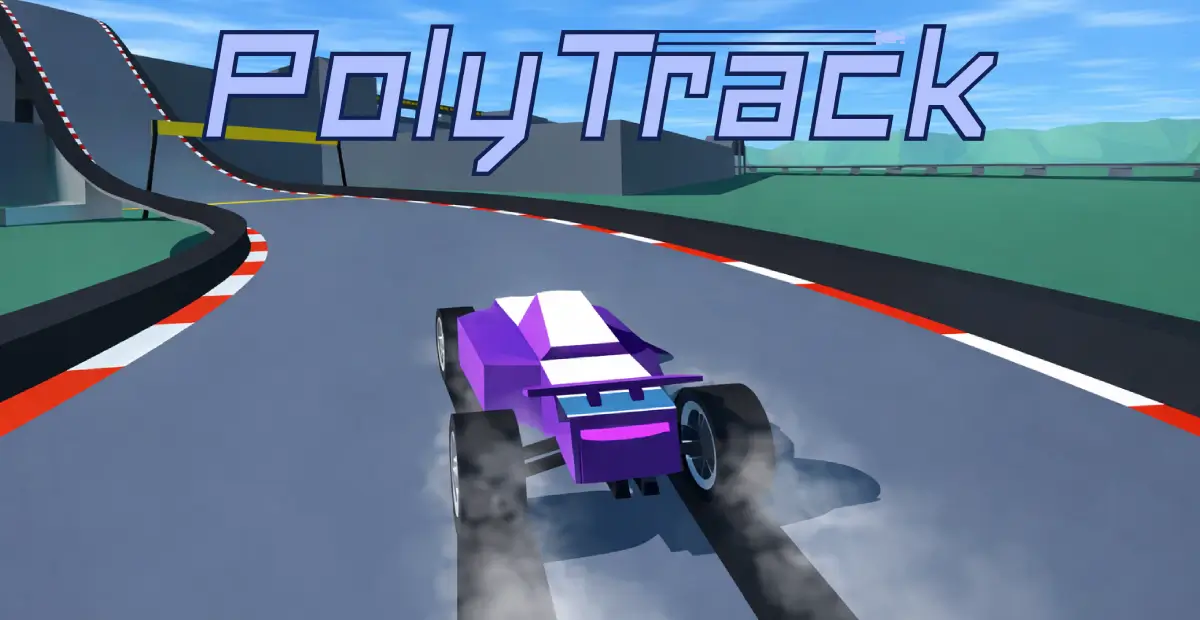
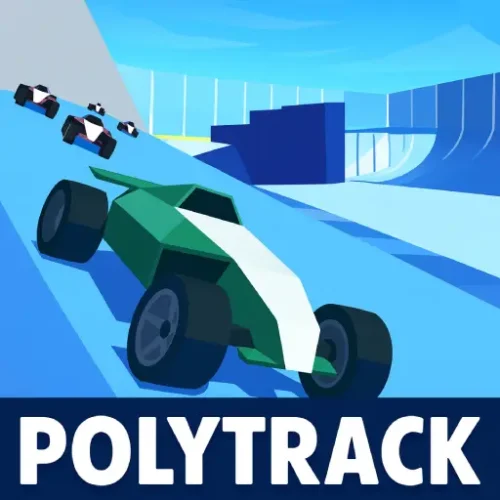






Play PolyTrack Unblocked free. Race low-poly tracks with loops and jumps, beat the Author Time, and build your own courses in the track editor. PolyTrack strips racing down to its purest form: a low-poly car, a tricky track full of loops and jumps, and a clock that never lies about how good your line actually was. There’s no opponent AI to outsmart and no weapons to worry about – just you, the physics, and the constant chase to shave another tenth of a second off your best time. No downloads required to play here, though the game is also available for offline installation. Works in Chrome, Firefox, Edge, and on mobile.
What Is PolyTrack?
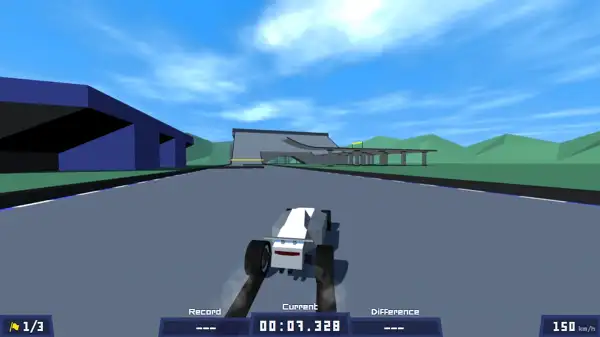
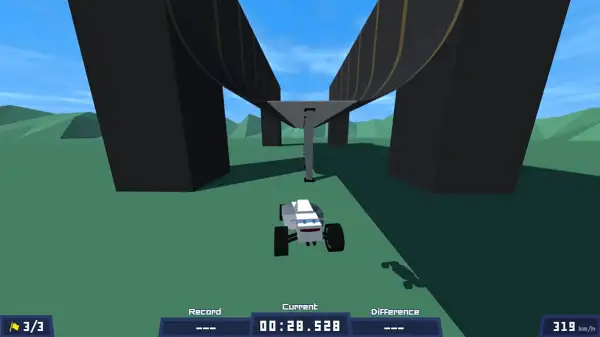
PolyTrack is a free, browser-based low-poly racing game built by solo developer Kodub, focused entirely on time trials rather than head-to-head racing. Each track is built from loops, ramps, tight corners, and the occasional gap that demands real air control to clear cleanly. There’s no combat, no items, and currently no structured multiplayer racing – just you against the clock and your own personal best, track after track.
What’s kept PolyTrack’s community active is the depth hiding underneath its simple presentation. The driving physics reward genuine skill – proper braking into corners, controlled drifting, and precise handling in the air – and a full built-in track editor lets anyone design and share their own courses, meaning the amount of content to race through is effectively limitless.
How to Play PolyTrack Unblocked
- Pick a track. Choose from the game’s pre-made courses, each with its own difficulty and unique obstacles.
- Drive with WASD or the Arrow Keys. Standard forward, reverse, and steering controls apply on the ground.
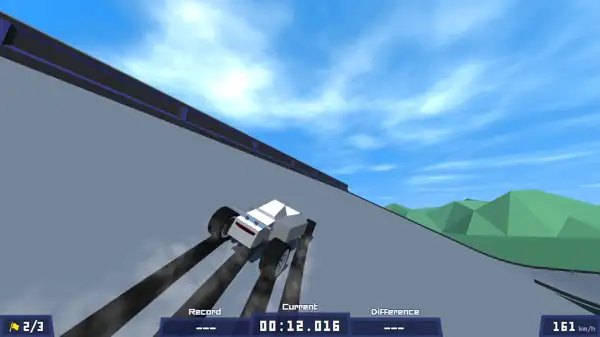
- Learn the difference between ground and air controls. Once you’re airborne off a jump, your inputs affect rotation and balance rather than steering the same way they do on the track surface – getting a feel for this switch is essential for clean landings.
- Brake into corners to drift. Tapping the brake while turning hard at speed slides the rear of the car around, letting you clear sharp corners without losing all your forward momentum.
- Use checkpoints and quick resets. If a run goes wrong, the Reset key gets you back into the action immediately rather than forcing a slow restart.
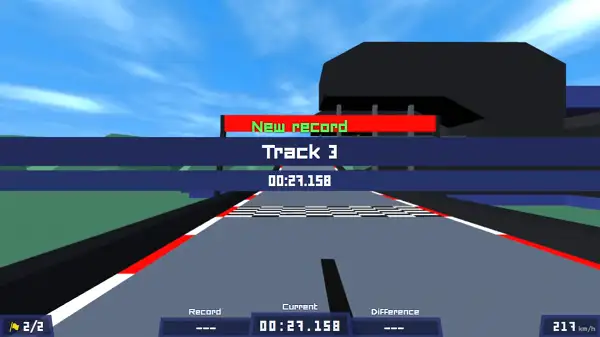
- Chase the Author Time. Each track displays a benchmark time set by the developer – beating it is a meaningful marker that you’ve genuinely mastered that course, not just finished it.
- Study ghost replays. Comparing your run against a faster ghost lap is one of the most direct ways to spot exactly where you’re losing time.
Controls
| Action | Input |
|---|---|
| Accelerate | W or Up Arrow |
| Reverse / Brake | S or Down Arrow |
| Steer Left | A or Left Arrow |
| Steer Right | D or Right Arrow |
| Restart | R or Enter |
PolyTrack also supports Xbox, PlayStation, and other compatible controllers if you’d rather race with a gamepad. On mobile and tablets, on-screen touch controls handle steering and acceleration.
Game Modes and Content
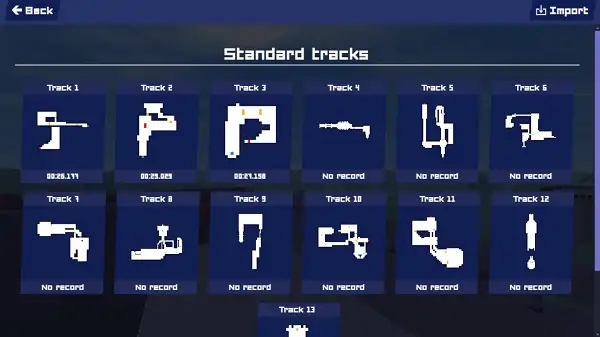
- Time Trials – The core mode. Race a track solo, aiming to post the fastest time possible and climb that track’s individual leaderboard.
- Campaigns – Structured progressions of tracks with specific goals and rewards attached, giving newer players a guided path rather than an open list of unrelated courses. The Summer campaign, for example, includes seven tracks that form a natural early progression for players still learning the game’s physics.
- Weekly Shorts – Fresh, recurring challenge tracks released on a regular cycle, giving even experienced players a reason to keep coming back for new content.
- Track Editor – A full-featured level editor for building your own tracks from scratch, using loops, ramps, jumps, and stunt pieces, then exporting and sharing them with the wider community.
The Track Editor
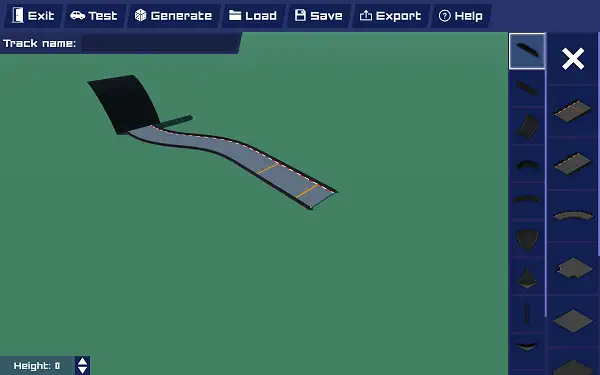
PolyTrack’s built-in track editor is one of its biggest draws, turning the game from a fixed set of courses into an open-ended creative sandbox. Building uses simple mouse controls – left-click to place pieces, middle mouse to rotate your view, and right-click to pan around your creation. It’s approachable enough that a first-time user can put together a simple circuit in a matter of minutes, but has enough depth that dedicated creators spend hours perfecting more elaborate, technical designs.
Finished tracks can be exported and shared with the community as shareable codes, and importing other players’ custom tracks is just as easy – meaning the total amount of content available to race through goes far beyond what the developer alone has built.
Tips and Tricks
- Start slow and prioritize finishing over speed. Especially on your first few tracks, learning the full layout cleanly is more valuable than chasing a fast time you can’t consistently repeat.
- Get comfortable with the Reset key early. You’ll be pressing it constantly as you learn – treat every quick reset as useful practice rather than a setback.
- Don’t attempt drifting until you’re comfortable with basic steering. Wide, controlled turns are a safer foundation to build from – drifting adds real speed once you understand it, but it also adds a lot of room for error if you rush into it too early.
- Pay close attention to ground versus air controls. A lot of early crashes come from applying ground-steering habits while airborne – recognizing that switch is one of the biggest jumps in skill for new players.
- Use ghost replays to diagnose specific mistakes. Rather than just trying to go faster overall, compare your ghost against a better run corner by corner to see exactly where the time is being lost.
- Work through Campaign tracks in order. They’re built as a natural skill progression, so tackling them in sequence – rather than jumping straight to advanced custom tracks – builds the fundamentals you’ll need later.
- Try the Track Editor even if you don’t plan to master it. Building even a simple track yourself gives you a much better intuitive feel for how ramps, curves, and jumps behave, which carries over directly into how you read official tracks.
Other Similar Games
Frequently Asked Questions
What is PolyTrack?
PolyTrack is a free, browser-based low-poly racing game focused on time trials, where you race against the clock across tracks filled with loops, jumps, and tight corners, with a full built-in editor for creating and sharing your own courses.
Who made PolyTrack?
PolyTrack was created by solo developer Kodub, who continues to actively update the game with new tracks, features, and improvements.
What are the controls?
WASD or the Arrow Keys handle acceleration, braking, and steering, while R or Enter restarts your current run. Xbox, PlayStation, and other compatible controllers are also supported.
Is PolyTrack multiplayer?
Not in the traditional head-to-head sense. The core gameplay is built around solo time trials and leaderboards rather than racing directly against other players in real time, though real-time multiplayer has been discussed as a possible future addition.
Can I create my own tracks?
Yes. PolyTrack includes a full track editor with simple mouse controls for placing, rotating, and arranging track pieces. Finished tracks can be exported and shared with the community.
What is the Author Time?
The Author Time is a benchmark time set by the developer for each track. Beating it is generally considered proof that you’ve genuinely mastered that specific course rather than just completed it.
What are Campaigns and Weekly Shorts?
Campaigns are structured groups of tracks with specific goals and progression, like the seven-track Summer campaign. Weekly Shorts are fresh challenge tracks released on a recurring schedule to keep the game feeling new.
How do I drift in PolyTrack?
Tap the brake while turning hard at speed to slide the rear of the car around a corner, letting you carry more speed through sharp turns than a standard turn would allow.
Which browser works best for PolyTrack?
PolyTrack runs well on any modern browser with WebGL support, including Chrome, Firefox, and Edge.
Can I play PolyTrack on a phone or Chromebook?
Yes. PolyTrack works in any modern browser, including on Chromebooks, and supports touch controls on mobile devices.
Why isn’t PolyTrack loading?
Check your internet connection, make sure this site isn’t blocked on your network, and try disabling any ad blockers – these are the most common causes of loading issues.
Racing & DrivingPopular gamesRacing Games