





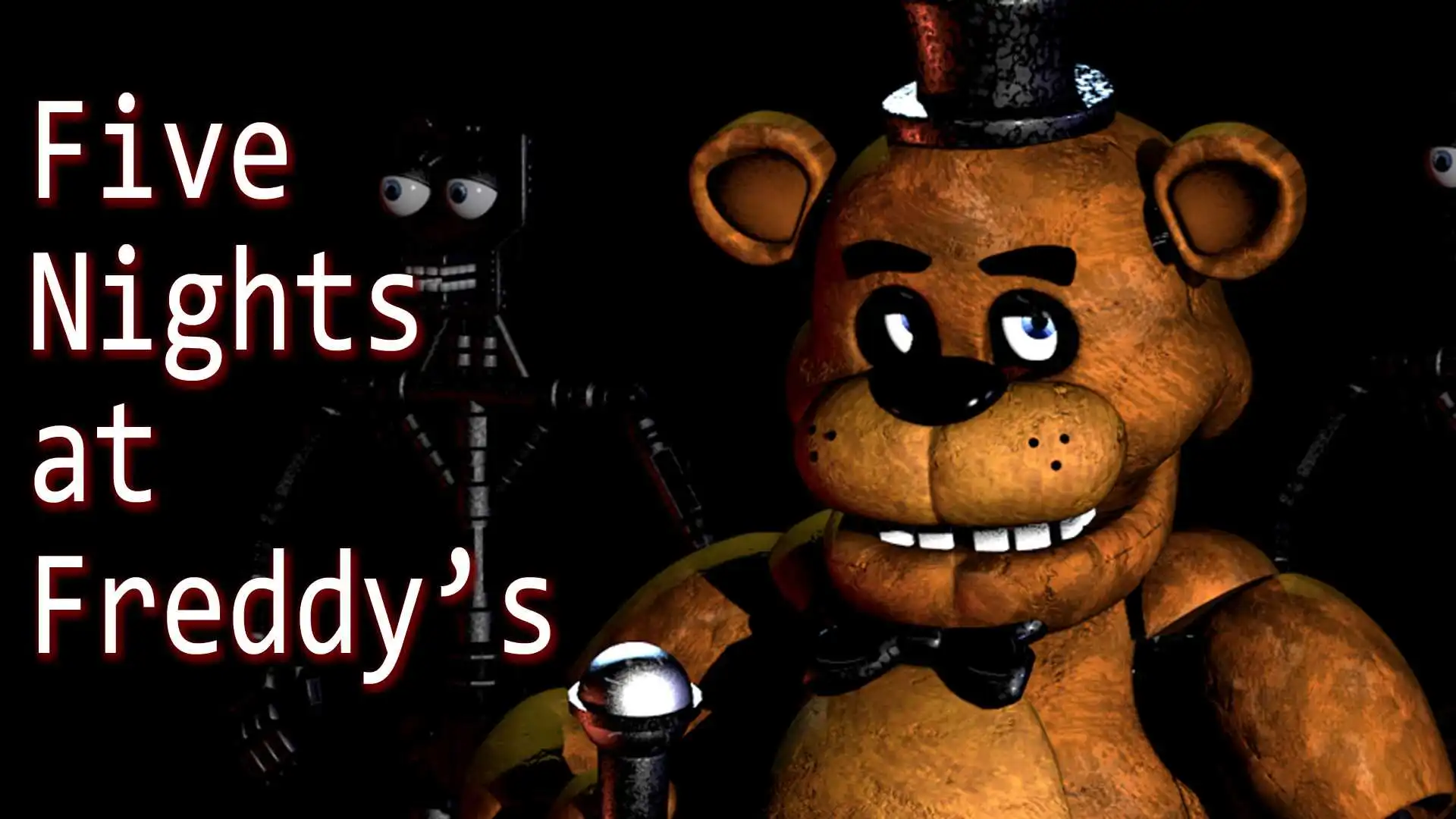







Play Five Nights at Freddy’s free in your browser. Survive 5 nights as a security guard, manage power, and watch the cameras. Five Nights at Freddy’s puts you behind a desk at a rundown pizzeria, armed with nothing but two door buttons, a bank of security cameras, and a power supply that’s constantly ticking down. You can’t run and you can’t fight back – all you can do is watch, listen, and manage your dwindling resources as four animatronic performers wander the building looking for you. No downloads, no account required to start. Works in Chrome, Firefox, Edge, and on mobile.
What Is Five Nights at Freddy’s?
Five Nights at Freddy’s is a survival horror game originally created by solo developer Scott Cawthon and released in August 2014. It puts you in the shoes of a new night security guard at Freddy Fazbear’s Pizza, a family restaurant whose four animatronic performers – Freddy, Bonnie, Chica, and Foxy – delight children by day. At night, left alone and unsupervised, the animatronics begin to wander the building. If one of them finds you in your office, the results aren’t pretty.
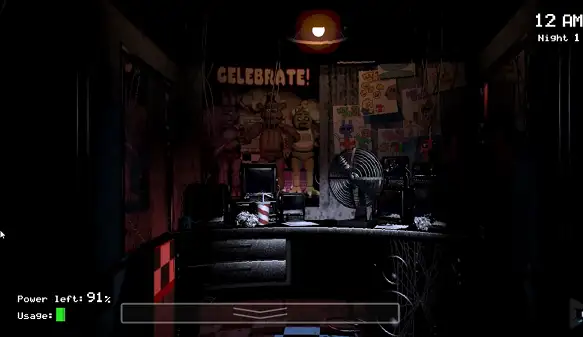
What made the original game so effective wasn’t jump scares alone – it was the sheer helplessness at its core. You have no weapon, no ability to move from your chair, and no way to fight back. Your entire survival depends on two security doors and a bank of cameras, all of which drain a limited power supply every time you use them. Run out of power at the wrong moment, and there’s nothing left standing between you and whatever’s coming down the hall. This browser version brings that same tense, resource-management horror to your screen without any download required – worth knowing that it’s a browser-playable version of the experience rather than Scott Cawthon’s official paid release, which is sold separately on platforms like Steam and mobile app stores.
How to Play Five Nights at Freddy’s
- Start your shift. Each night runs from midnight to 6 AM, compressed into a few minutes of real time. Survive until 6 AM and you’ll clock out safely.
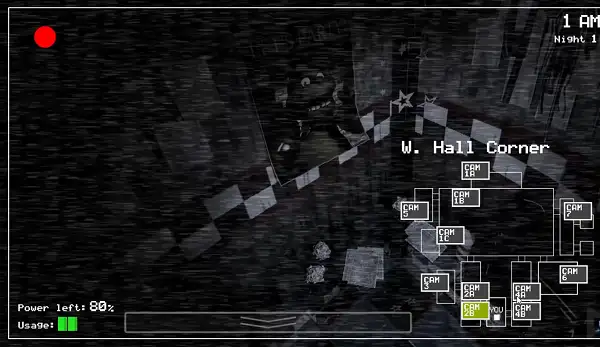
- Check the cameras regularly. Click through the camera feeds covering the restaurant’s rooms and hallways to track where each animatronic currently is.
- Watch the two hallways leading to your office. If an animatronic gets close, use the corresponding door button to seal them out.
- Manage your power carefully. Doors, hallway lights, and the camera system all drain your limited power supply – the less you use them, the longer your power lasts.
- Use hallway lights before assuming a door needs to close. Flicking on a hallway light lets you check if anything is actually there before committing power to closing a door unnecessarily.
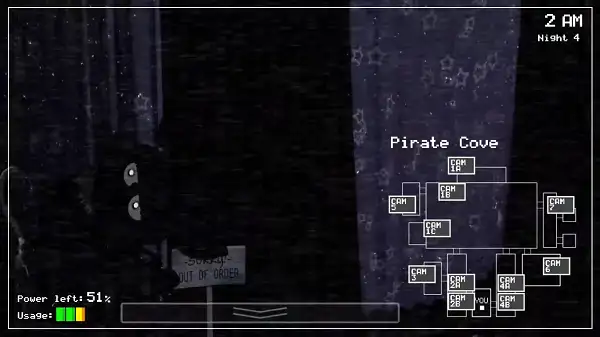
- Keep an eye on Pirate Cove. One animatronic in particular lurks there and needs to be checked on periodically, or it will make a sudden run for your office.
- Survive until your power runs out or the clock hits 6 AM – whichever comes first. Running out of power completely leaves you defenseless for whatever happens next.
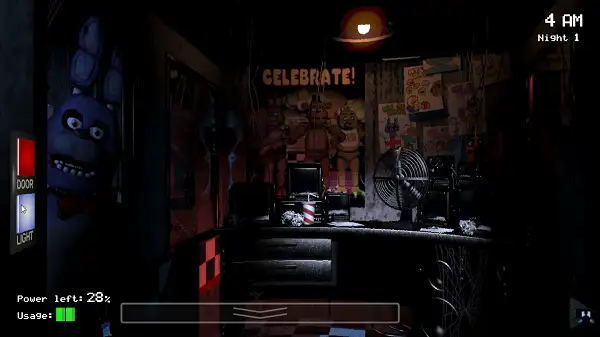
Controls
| Action | Input |
|---|---|
| Look around the office | Move the mouse |
| Check cameras / use lights / close doors | Left Mouse Button (click the corresponding button) |
Everything is mouse-driven – there’s no movement or combat to worry about, which keeps the controls simple even as the tension ramps up. On mobile and tablets, the camera tablet and door controls are touch-friendly and work the same way with taps instead of clicks.
The Animatronics
- Freddy Fazbear – The titular brown bear and the restaurant’s main mascot. Freddy tends to make his move later than the others, once your resources are already stretched thin.
- Bonnie – A purple rabbit and one of the most consistently active animatronics, frequently approaching from the west side of the building.
- Chica – A yellow chicken known for aggressive movement patterns, often approaching from the east side.
- Foxy – A pirate fox who stays in Pirate Cove unless you neglect to check on him. If left unchecked too long, Foxy will make a sudden dash straight for your office.
Nights and Difficulty
The game is structured around five nights, each one noticeably harder than the last as the animatronics become more active and unpredictable. Power drains faster on later nights too – by Night 5, your power supply burns through at roughly double the rate it did on Night 1 for the same amount of usage, so the habits that got you through the early nights need to get sharper as you progress.
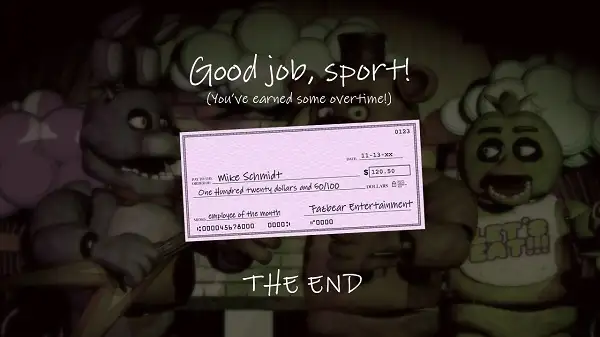
Completing all five nights represents finishing the core game, and the tension of the final stretch comes largely from how thin your margin for error becomes – a wasted door closure or a missed camera check can be the difference between clocking out safely and a very bad night.
Tips and Tricks
- Don’t leave doors closed by default. Sealing both doors constantly feels safe, but it drains power far faster than checking cameras and lights strategically – save door closures for when you actually know something’s there.
- Use hallway lights before committing to a door closure. A quick flick of the light tells you whether anything is actually approaching, saving power compared to closing a door on a hunch.
- Rotate your camera checks rather than fixating on one room. Since every animatronic moves independently, checking a spread of rooms gives you a much better overall picture than repeatedly monitoring just one.
- Never forget about Pirate Cove. It’s easy to get absorbed watching the more active animatronics and forget to check in on Foxy – a long enough gap without checking is exactly what triggers his rush.
- Budget your power across the whole night, not just the first half. Since power drain accelerates on later nights, using it heavily early on can leave you dangerously exposed in the final, most dangerous hour before 6 AM.
- Learn each animatronic’s general behavior over multiple attempts. Since this game is built around trial and error, treat early failed nights as information-gathering rather than pure losses – recognizing patterns is what makes later nights survivable.
- Stay calm under pressure. Panicked, rapid clicking between cameras and doors burns through power fast without actually improving your awareness – deliberate, spaced-out checks are more effective than frantic ones.
Other Similar Games
Frequently Asked Questions
What is Five Nights at Freddy’s?
Five Nights at Freddy’s is a survival horror game where you play a night security guard at a pizzeria, using limited security cameras and door controls to survive five increasingly difficult nights against wandering animatronic characters.
Who created Five Nights at Freddy’s?
The original Five Nights at Freddy’s was created by solo developer Scott Cawthon and released in August 2014, going on to spawn a large series of sequels and spin-offs.
What are the controls?
The game is entirely mouse-controlled – move the mouse to look around the office, and left-click to check camera feeds, flick on hallway lights, or close the security doors.
How do I survive a night?
Monitor the cameras to track each animatronic’s location, use hallway lights to check nearby hallways before closing a door unnecessarily, and manage your limited power supply carefully so you don’t run out before 6 AM.
What happens if my power runs out?
Running out of power leaves your office defenseless, with no lights, cameras, or doors available – a dangerous position to be in for whatever time remains before your shift ends.
Which animatronics are in the game?
Four main animatronics appear: Freddy Fazbear, Bonnie, Chica, and Foxy, each with distinct movement patterns and behaviors you’ll need to learn over multiple attempts.
How long does a night last?
Each night represents the hours between midnight and 6 AM, but plays out in just a few minutes of real time.
Is this the official Five Nights at Freddy’s game?
This browser version lets you play the core experience directly without downloading anything. Scott Cawthon’s official releases are sold separately through platforms like Steam and mobile app stores.
Is Five Nights at Freddy’s appropriate for kids?
The game relies on suspense, tension, and jump scares rather than graphic violence, but its horror elements generally make it more suitable for teens and older players rather than young children.
Which browser works best for Five Nights at Freddy’s?
The game runs well on Chrome, Firefox, and Edge.
Can I play Five Nights at Freddy’s on a phone or Chromebook?
Yes. It works on Chromebooks in any modern browser, and the camera and door controls are touch-friendly on mobile phones and tablets.
Why isn’t Five Nights at Freddy’s loading?
Check your internet connection, make sure this site isn’t blocked on your network, and try disabling any ad blockers – these are the most common causes of loading issues.
HorrorUnblocked Games