



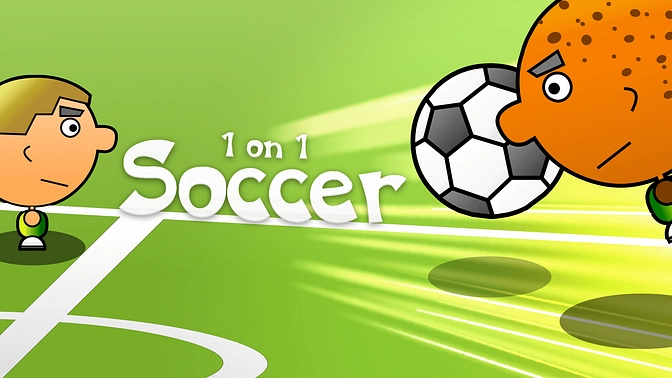




Play 1 on 1 Soccer Unblocked free. Fast, physical 1v1 football matches — solo vs AI or local 2-player. No download needed. 1 on 1 Soccer strips football down to the basics: one player, one opponent, one small pitch, and a race to see who can put the ball in the net more times before the clock runs out. It’s a classic browser arcade game that’s stuck around since 2011 thanks to how quickly you can jump in and start playing – no formations, no full teams to manage, just fast, physical, head-to-head soccer. No downloads, no account. Works in Chrome, Firefox, Edge, and on mobile.
What Is 1 on 1 Soccer?
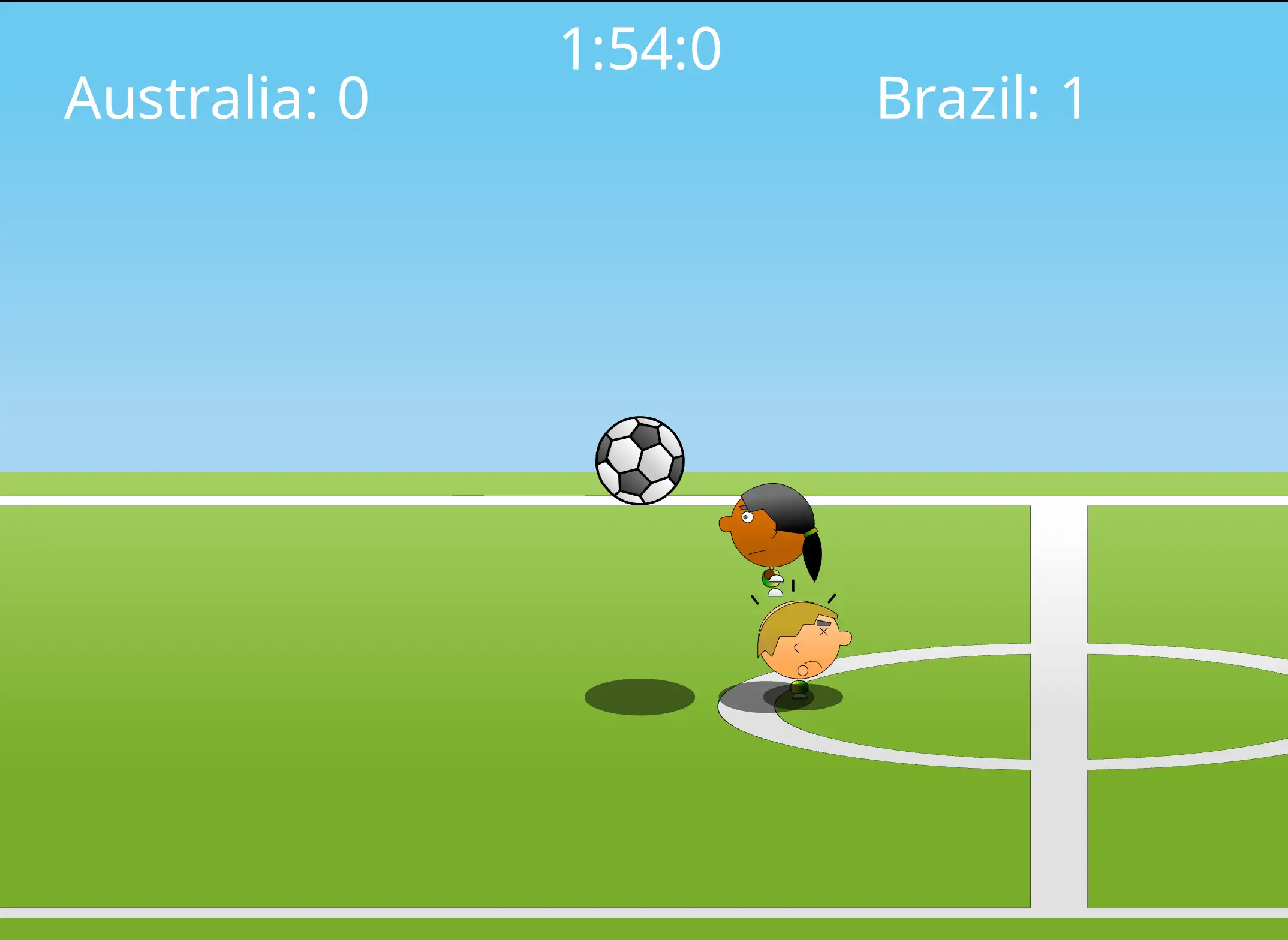
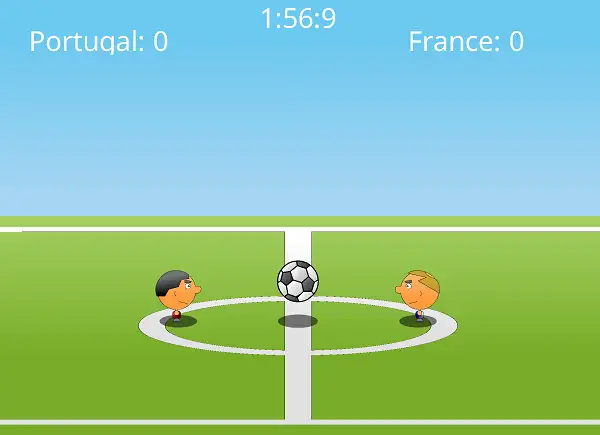
1 on 1 Soccer is a free, browser-based arcade soccer game that first appeared in 2011 and has remained a staple of browser gaming portals ever since, thanks to its instantly understandable rules and fast, physical gameplay. Instead of managing a full squad, you control a single footballer, running, jumping, and kicking your way around a compact pitch to outscore your opponent – whether that opponent is the computer or a friend sitting right next to you.
Before kickoff, both players choose a country to represent, each with a subtly different playstyle. From there, it’s pure arcade football: no complex formations or passing trees to think about, just direct, physical, one-on-one battles for the ball, decided by whoever reacts and times their jumps and kicks better.
How to Play 1 on 1 Soccer
- Pick your mode. Play a single-player match against the computer, or set up local two-player for head-to-head play on the same keyboard.
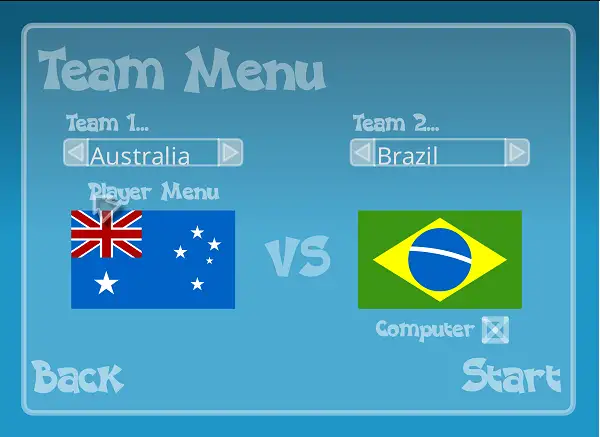
- Choose your country. Both players select a nation to represent before the match begins, each carrying a slightly different playstyle.
- Move and position yourself. Get in front of the ball and between your opponent and your own goal whenever you’re on defense.
- Jump to head or block. Timing your jump is critical – whether you’re trying to head the ball into the net or leap up to block an incoming shot before it crosses your goal line.
- Kick and bounce the ball toward the net. Running into the ball or jumping into it sends it flying – use this to line up shots on goal or clear it away from your own net under pressure.
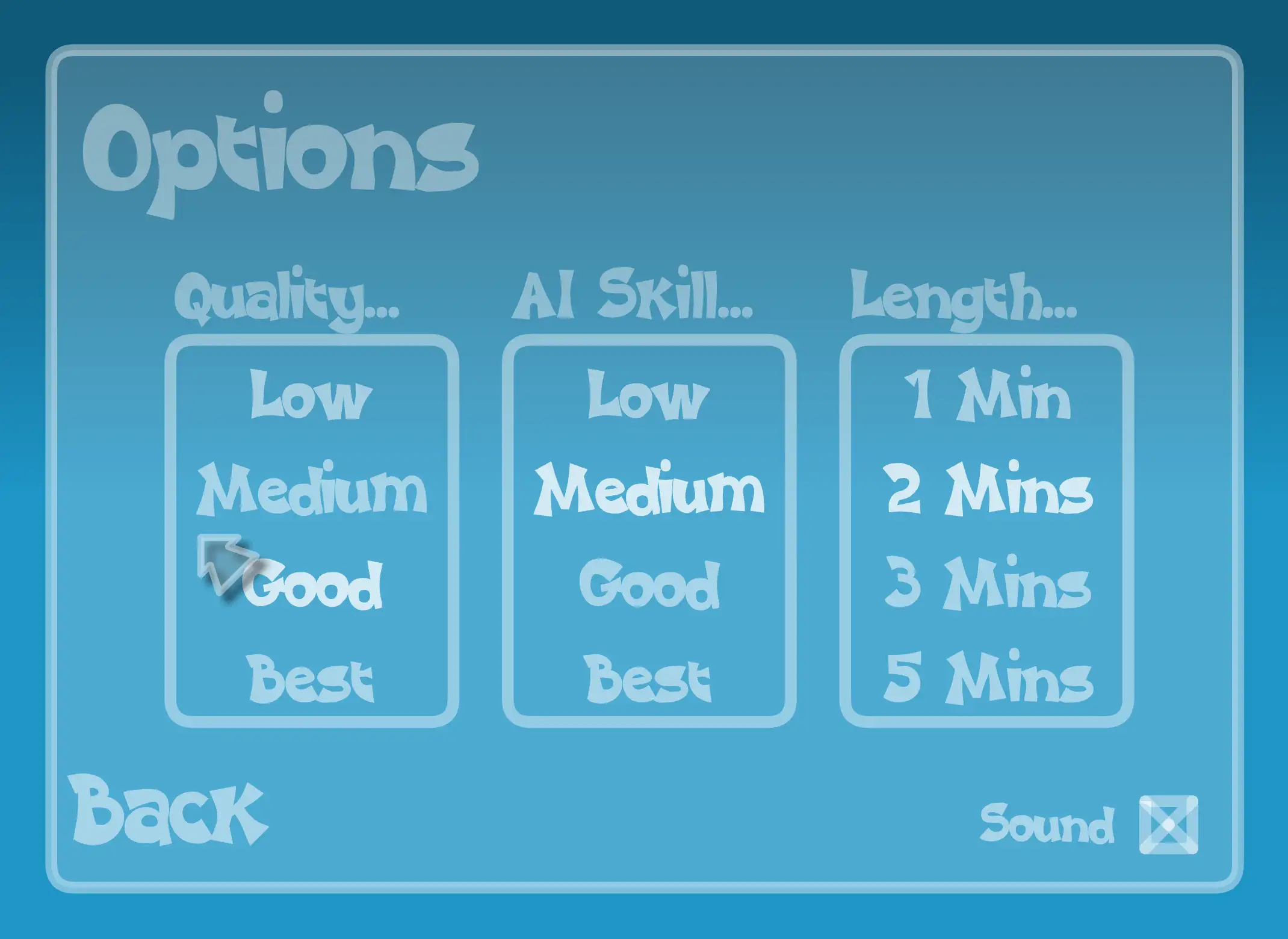
- Watch the clock. Matches run on a timer set by you in options can be 1 mint, 2mint , 3mint or 5 minutes so every missed chance and every goal conceded matters more as time runs down.
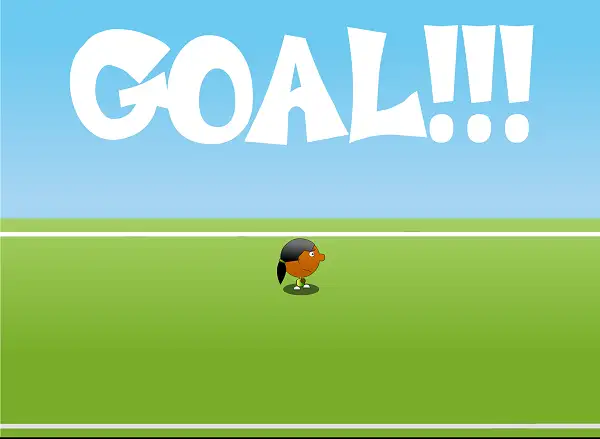
- Score more goals than your opponent before time expires to win.
Controls
| Action | Player 1 (Left) | Player 2 (Right) |
|---|---|---|
| Move Left / Right | A / D | Left / Right Arrow |
| Jump / Head the Ball | W | Up Arrow |
In single-player mode against the computer, you can use either the WASD keys or the Arrow Keys – whichever feels more natural. On mobile and tablets, on-screen touch controls handle movement and jumping.
Match Settings
Before starting a match, the settings menu lets you adjust a few things to match your preference:
- AI Difficulty – Adjust how challenging the computer opponent plays if you’re going solo.
- Match Length – Change how long each match runs, letting you choose between quick, snappy games or longer, more drawn-out battles.
There’s also a cheats menu with extra fun options, like alternate balls and pitch themes, for players who want to mix up the visual side of the game without changing the core rules.
Countries and Playstyles
Choosing your country before a match isn’t just cosmetic – each one leans toward a slightly different playstyle:
- England – A well-rounded option that balances solid defense with powerful shots, making it a strong choice for players still learning the game’s basics.
- Spain – Smoother, more controlled movement that helps with precise positioning and clever ball control rather than pure power.
- Argentina – Suits players who like quick jumps and attacking from unexpected angles, great for a faster, more aggressive playstyle.
Since the game doesn’t have a deep stats system, these differences are mostly about feel – try a few different countries to see which one matches how you naturally like to play.
Tips and Tricks
- Stay close to the ball. Since there’s no passing system to fall back on, positioning yourself near the ball at all times gives you the most control over what happens next.
- Time your jumps for blocking, not just scoring. A well-timed jump to head the ball away from your own goal is just as valuable as one used to score – don’t only think about jumping when you’re on attack.
- Use quick, unpredictable movements. Since the game rewards reflexes and reaction time, sudden changes in direction can throw off an opponent (or the AI) who’s anticipating a straightforward run at goal.
- Balance attacking with defending. It’s tempting to chase every scoring chance, but leaving your own goal open while pushing forward is one of the easiest ways to concede in a fast-paced match like this.
- Try different countries to find your style. If England’s balanced stats don’t click for you, Spain’s control-focused feel or Argentina’s jump-heavy attacking style might suit your instincts better.
- Adjust the match length while learning. If you’re new to the timing and physics, shortening the match length in the settings menu lets you get more practice reps in a shorter overall session.
Other Similar Games
Frequently Asked Questions
What is 1 on 1 Soccer?
1 on 1 Soccer is a free, browser-based arcade soccer game where you control a single footballer in a fast, physical one-versus-one match, aiming to score more goals than your opponent before time runs out.
What are the controls?
Player 1 on the left uses A and D to move and W to jump, while Player 2 on the right uses the Left and Right Arrow Keys to move and the Up Arrow to jump. In single-player mode, either WASD or the Arrow Keys can be used against the computer.
Is 1 on 1 Soccer multiplayer?
Yes. It features local two-player mode, where you and a friend share the same keyboard and play head-to-head.
Can I play against the computer?
Yes. Single-player mode lets you face an AI opponent, and its difficulty can be adjusted in the settings menu.
Does the game have unlockable content or progression?
No. 1 on 1 Soccer is designed for quick, standalone matches rather than long-term progression – there’s no leveling system or unlockable content tied to playing more matches.
Can I choose different countries or teams?
Yes. Before each match, both players pick a country to represent, with each one carrying a slightly different playstyle.
How long does a match last?
Match length can be adjusted in the settings menu, letting you choose shorter or longer games depending on your preference.
Who made 1 on 1 Soccer?
1 on 1 Soccer was originally released in 2011 and has been hosted across many browser gaming portals since then.
Which browser works best for 1 on 1 Soccer?
1 on 1 Soccer runs well on Chrome, Firefox, and Edge, and is built to work without needing Flash.
Can I play 1 on 1 Soccer on a Chromebook or phone?
Yes, though local two-player matches are best suited to a desktop or laptop keyboard. Single-player mode supports touch controls on mobile.
Why isn’t 1 on 1 Soccer loading?
Check your internet connection, make sure this site isn’t blocked on your network, and try disabling any ad blockers – these are the most common causes of loading issues.
2 Player GamesPopular gamesSports